
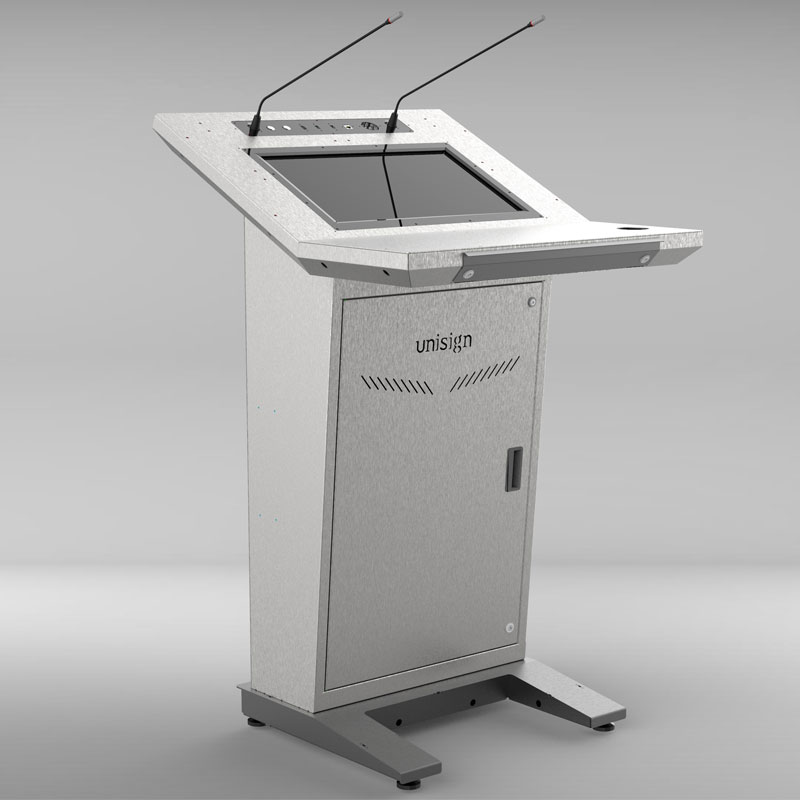
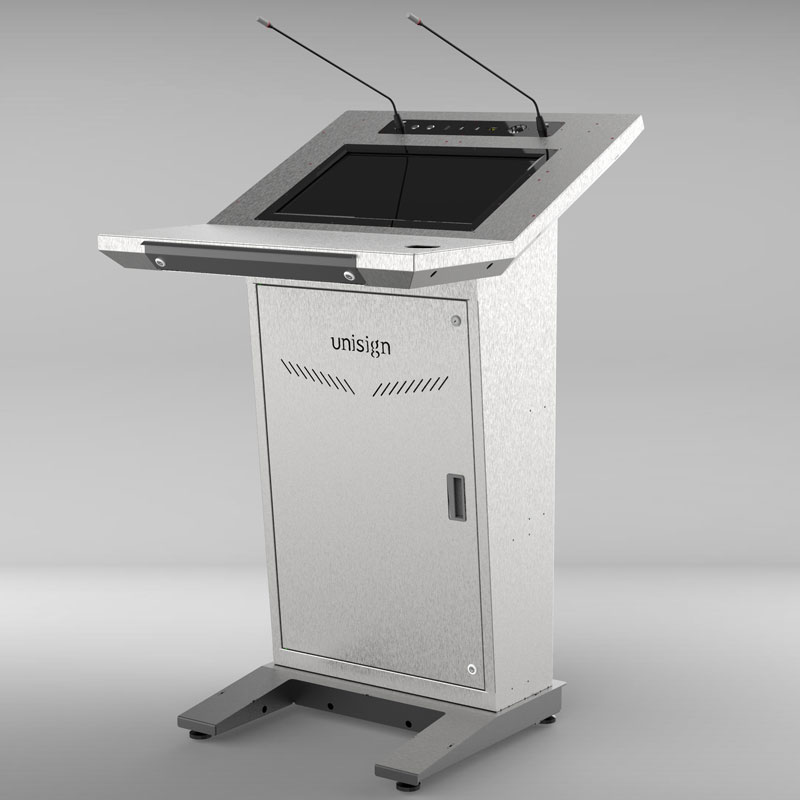
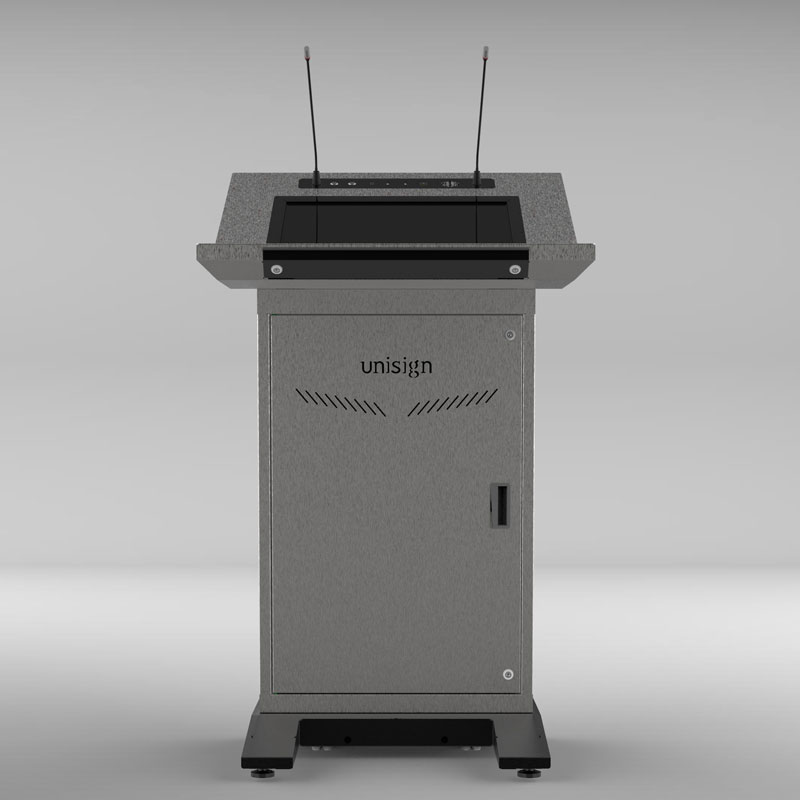
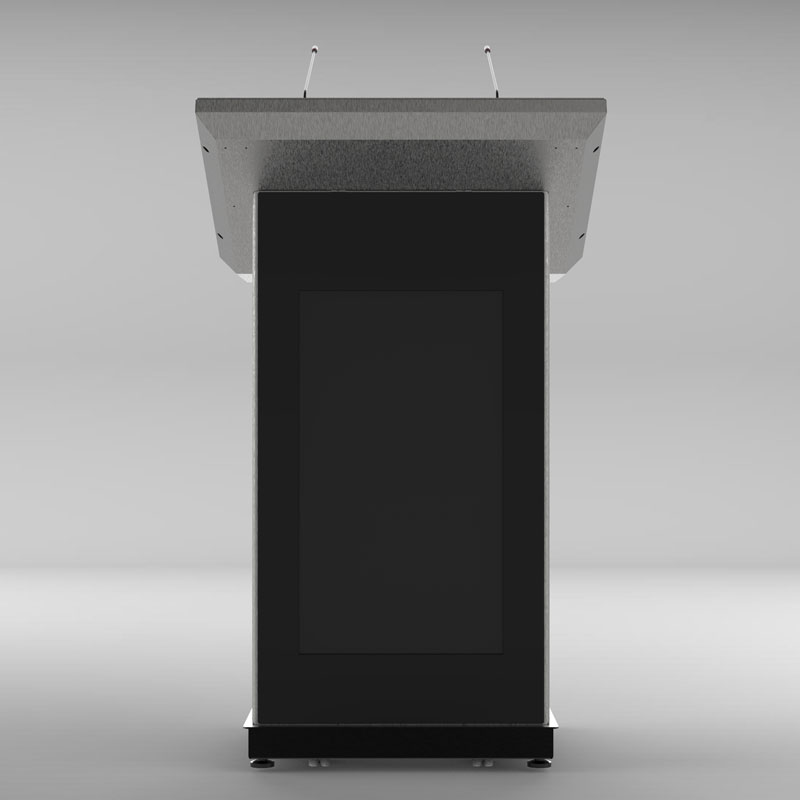

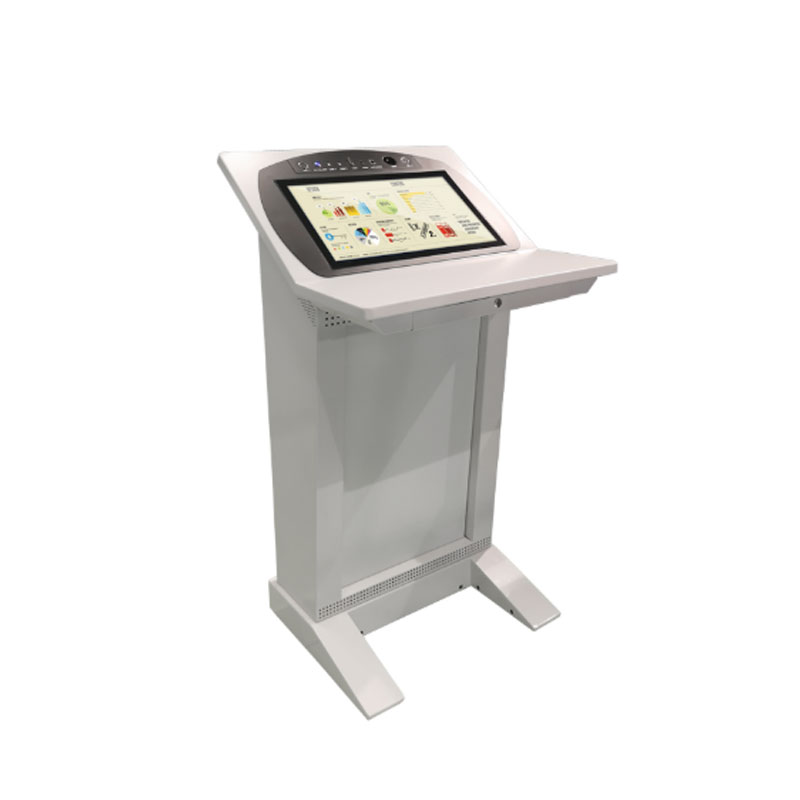
Presenting the Epostechnologies PM201, the digital podium engineered for complete brand and message integration. In today's professional environment, communication is a two-way street. The PM201 is uniquely designed to address this, featuring a powerful interactive screen for the presenter and a large, high-visibility front display for the audience. Its solid, professional design makes it the perfect centerpiece for corporate auditoriums, universities, and conference halls where brand identity is as important as the presentation itself.



1920 x 1080
500 cd/m²
7/24 50.000 Hour
Key Features
Sustainable & Future-Proof Technology
Sleek Design
Uninterrupted Performance
Branding-Compatible
High-Impact Visual Performance
Dual System Support
General Overview
Seamless Control Meets Brand Reinforcement
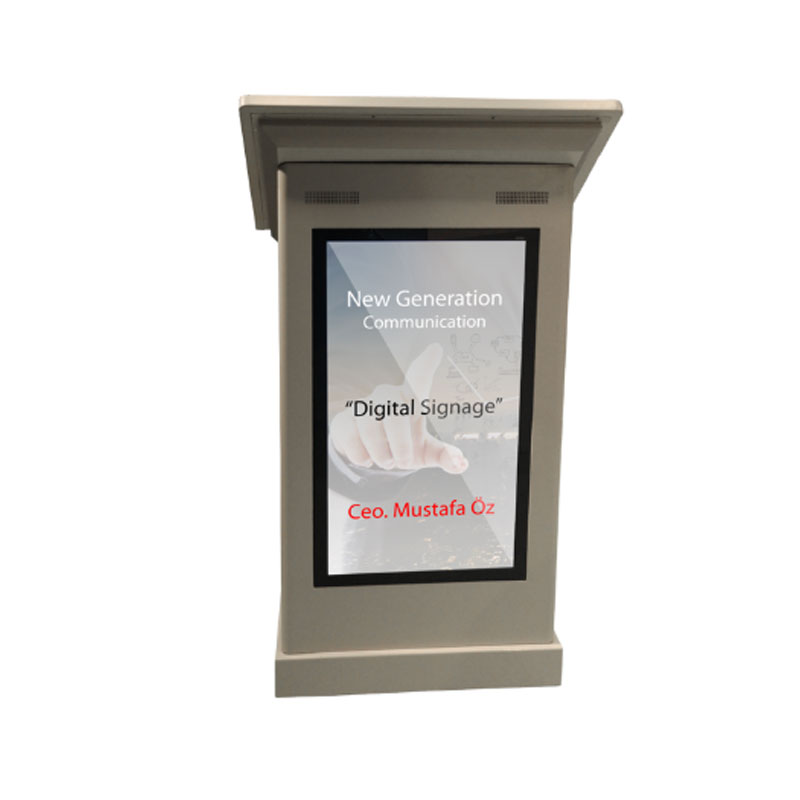
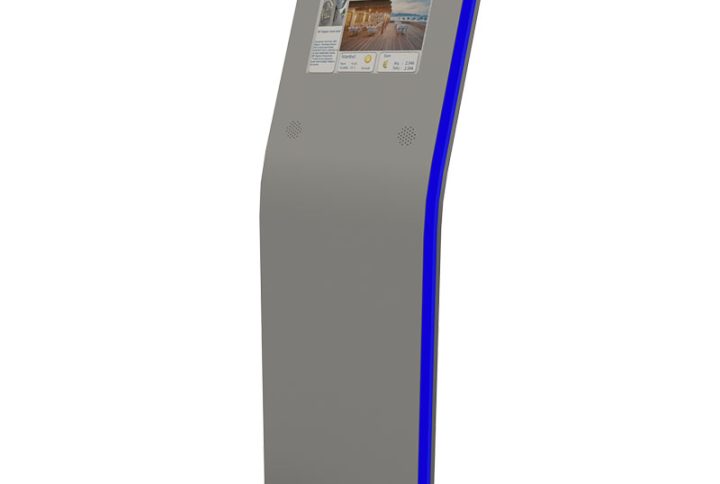
From the presenter’s perspective, the PM201 is a model of efficiency. The 21.5″/18.5″ speaker touch screen provides a private, intuitive workspace to manage your presentation with absolute precision. But the real power lies in its ability to communicate for you. The brilliant, 43″/32″ front-facing screen acts as your digital signboard, perfectly positioned to display your company logo, the event title, a speaker’s name, or a conference agenda. It ensures your brand is constantly and professionally represented, reinforcing your identity throughout the event.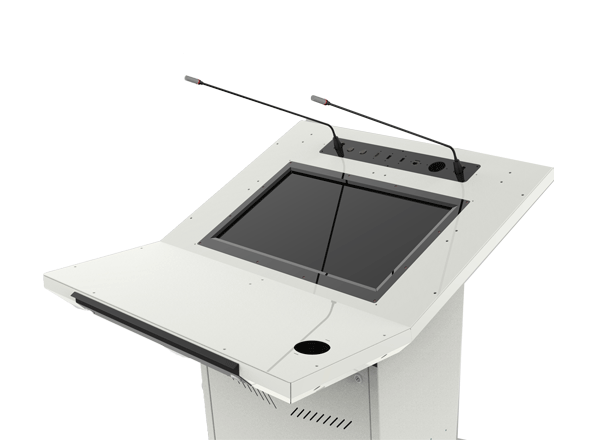
A Fusion of Technology and Professional Aesthetics
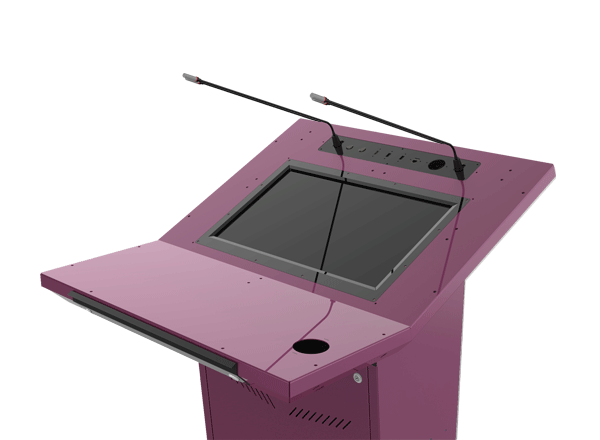
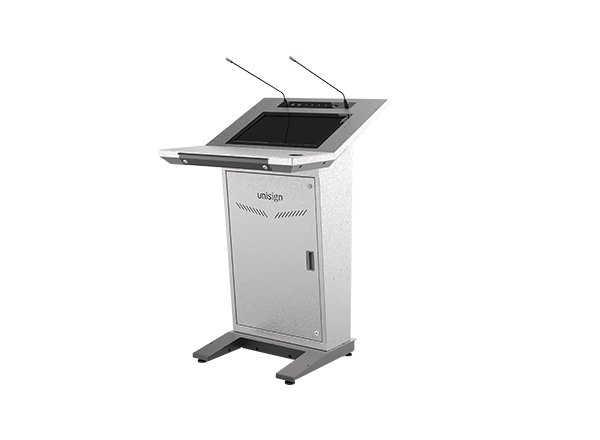
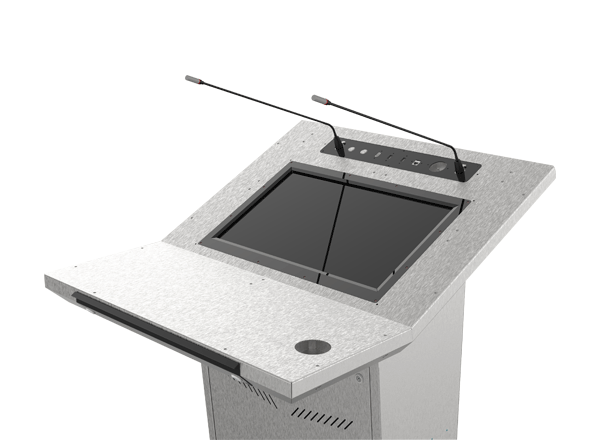
The PM201 combines a robust metal chassis with a sophisticated glass covered front panel, creating a look of stability and prestige. This design doesn’t just house the technology; it enhances it. The front screen is seamlessly integrated into the metal facade, creating a clean, high-end appearance. This podium doesn’t just display information; it makes a statement about your organization’s commitment to quality and technology.
Built for Continuous Performance
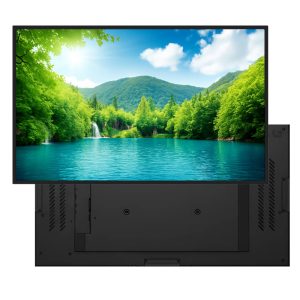
Beneath its polished exterior, the PM201 is a true workhorse. Both the presenter’s screen and the large front display are industrial-grade panels, engineered for 24/7 reliability in demanding, high-traffic environments. With quality domestic manufacturing, this podium is a durable and strategic investment, designed to be a permanent and dependable fixture in your most important presentation spaces. You can be confident that it will perform flawlessly, every time.
Maximize Your Message, Magnify Your Brand
The Epostechnologies PM201 is the essential tool for any organization that needs to control both the content of a presentation and the context in which it’s delivered. It allows you to deliver a dynamic, engaging talk while simultaneously magnifying your brand’s presence. Stop just presenting—start communicating on every level with the PM201.
Technical Specifications
Epostechnologies PM201 Dijital Kürsü Teknik Özellikleri
Speaker Display Size | Resolution | Brightness (cd/m² Typ.) | Contrast Ratio | Viewing Angle | Response Time (ms) | Active Display Area | Touch Type | Operating Time | Top Connections | Bottom Connections (Input) | Bottom Connections (Output) |
|---|---|---|---|---|---|---|---|---|---|---|---|
21.5" | 1920*1080 | 500 | 1000:1 | 89/89/89/89 | 14 ms (G to G) | 476.064(W)×267.786(H) mm | PCAP Multi-Touch | 24/7 | 2x USB, HDMI, On/Off, Microphone | Power, USB, Data | 2x HDMI, Microphone |
Epostechnologies PM201 Dijital Kürsü İzleyici Ekranı Teknik Özellikleri
Audience Display Size (available for both Models) | Resolution | Brightness (cd/m² Typ.) | Contrast Ratio | Viewing Angle | Response Time (ms) | Active Display Area | Audience Display Android Player PC | Optional Features |
|---|---|---|---|---|---|---|---|---|
43" | 1920*1080 | 700 | 1200:1 | 89/89/89/89 | 8 (Typ, G to G) | 940.896(W)×529.254(H) mm | Android OS, 2GB RAM / 16GB Hard Disk | Amplifier, Mixer , Microphone, Reading Lamp, Cup holder, Drawer |
Frequently asked questions
What are the key specifications of PM201 Model 21.5″ Digital Lectern?
The model specification lists Resolution: 1920*1080. Include the model code and selected screen size when ordering, as other options in the same series may have different specifications.
What should I confirm before ordering a digital lectern?
Specify the presentation device, required video connections and any audio-system connection. Check the selected model and quotation to establish whether components such as a computer and microphone are included.
What information is needed for a price quotation?
Share the model, quantity and installation location. Specify mounting, content playback or management software and any accessories separately so the hardware and service scope can be compared for your requirements.
How should content resolution be selected for PM201 Model 21.5″ Digital Lectern?
The model specification lists a resolution of 1920*1080. Prepare the content pixel dimensions and aspect ratio for this value; use a suitable layout rather than stretching artwork with a different shape.
Which conditions matter when positioning the lectern?
Assess the presenter’s view of the screen and access to controls. Plan stage circulation, power points and cable routes together. Enclosure dimensions, weight and any mobility options vary by model.
How should the presentation setup be checked before handover?
Test video transmission with the intended computer and a sample presentation, along with touch response where applicable and the selected audio connections. Check room-display orientation and resolution.
Application Images







Reviews
There are no reviews yet.