
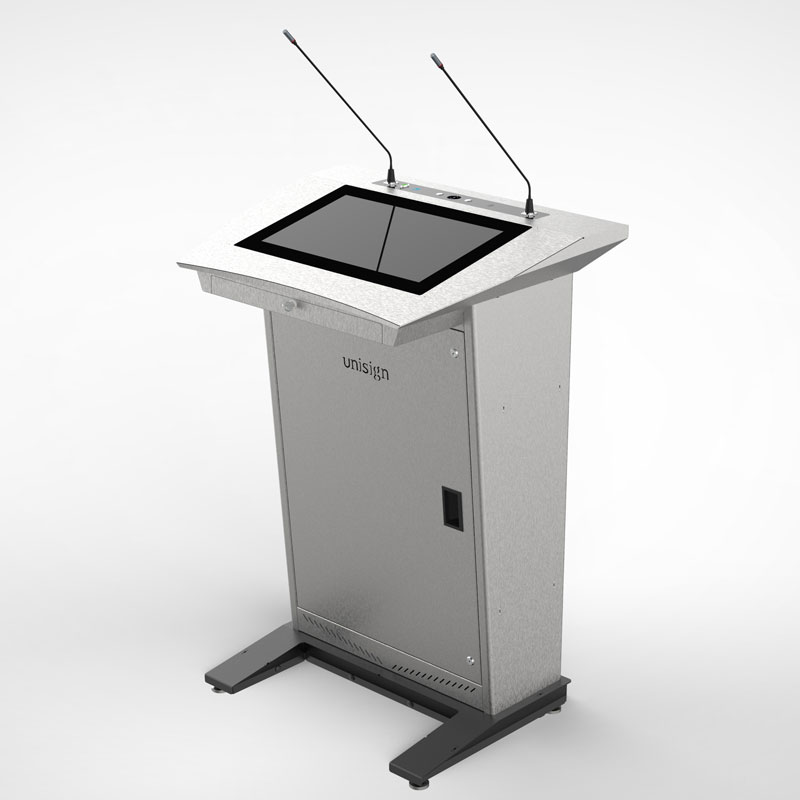
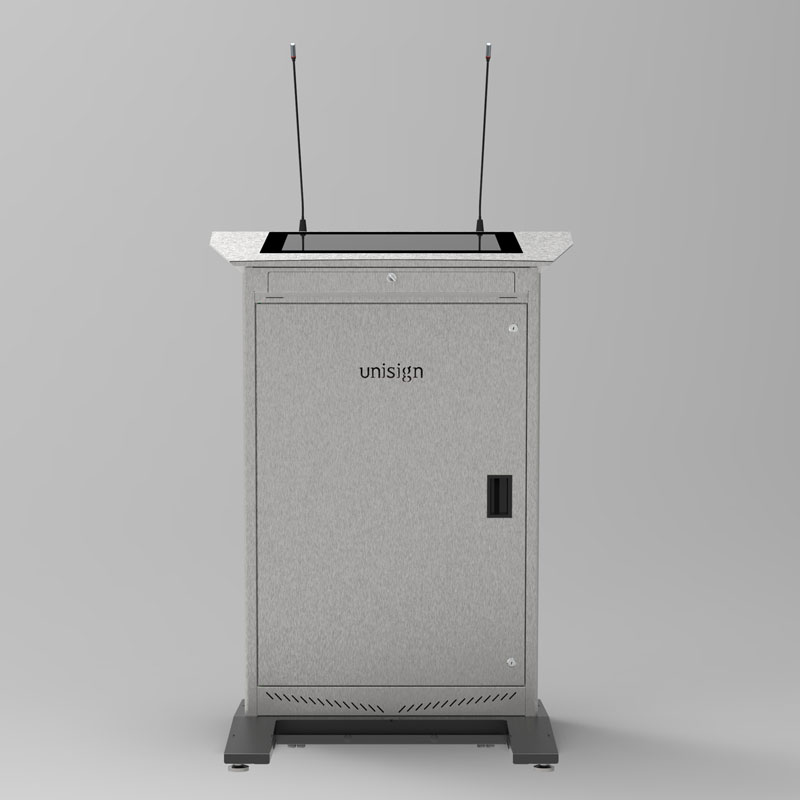

Welcome to the apex of digital presentation technology: the Epostechnologies PM501. This is the undisputed flagship, engineered for premier venues where the message must be delivered with maximum scale and undeniable impact. The PM501 is an information powerhouse, designed around the largest and most powerful dual-screen combination available. Its commanding presence is perfect for the grand auditorium, the executive conference center, and any stage where visual communication is not just an aid, but the main event.



1366 x 768
500 cd/m²
7/24 50.000 Hour
Key Features
Sustainable & Future-Proof Technology
Sleek Design
Uninterrupted Performance
Branding-Compatible
High-Impact Visual Performance
Dual System Support
General Overview
Unrivaled Visual Command, Front and Center
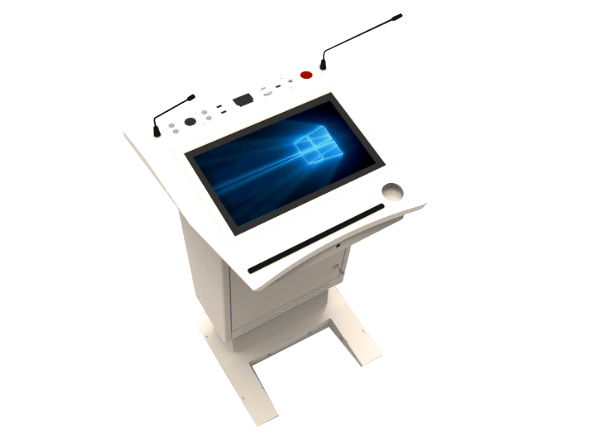
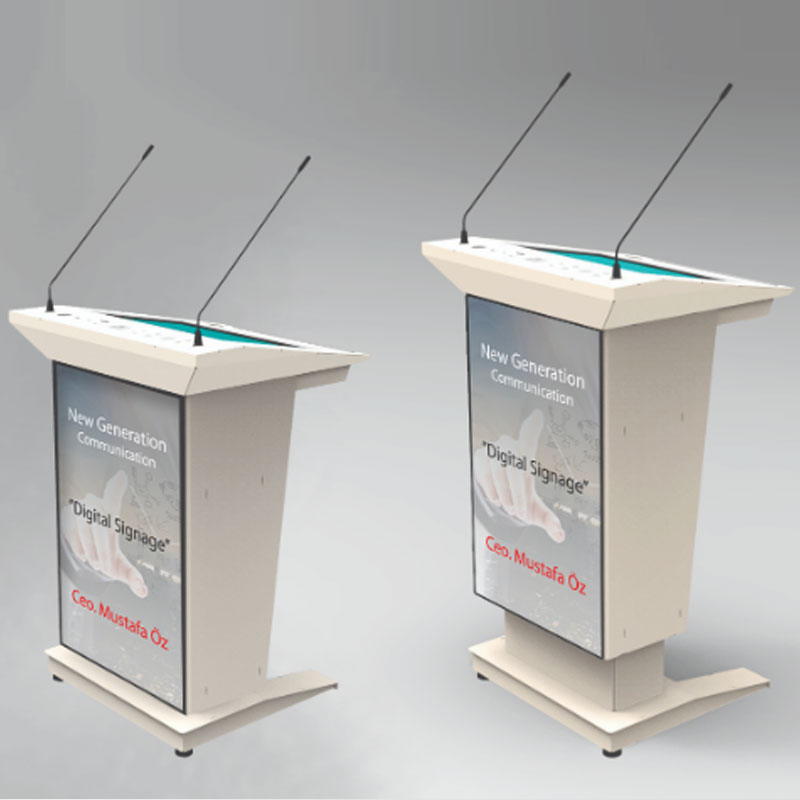
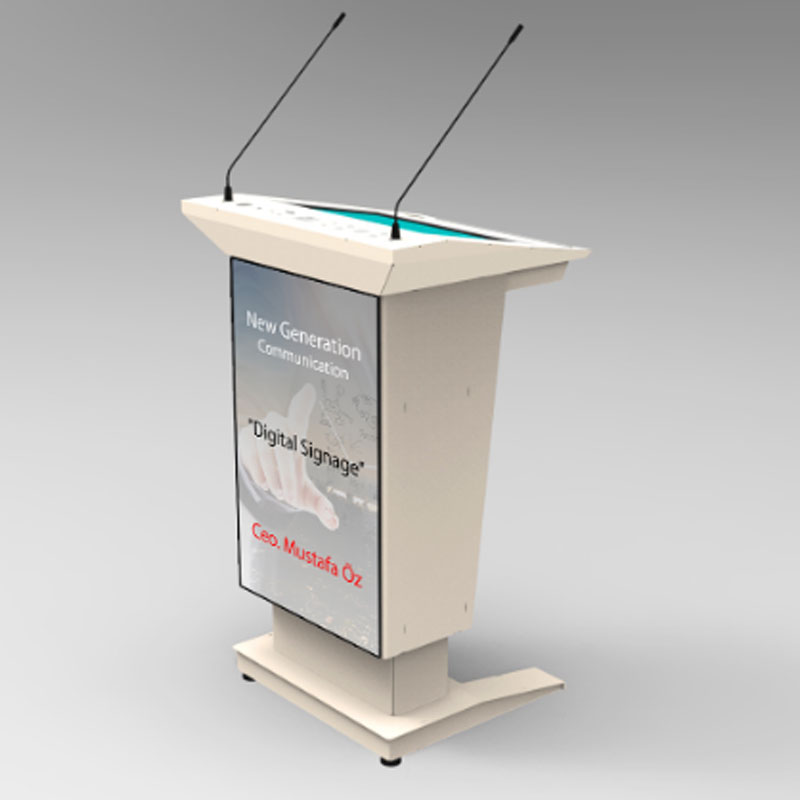
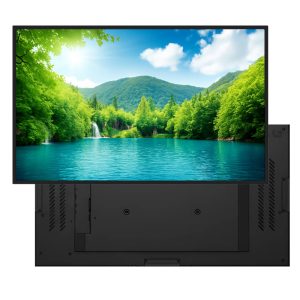
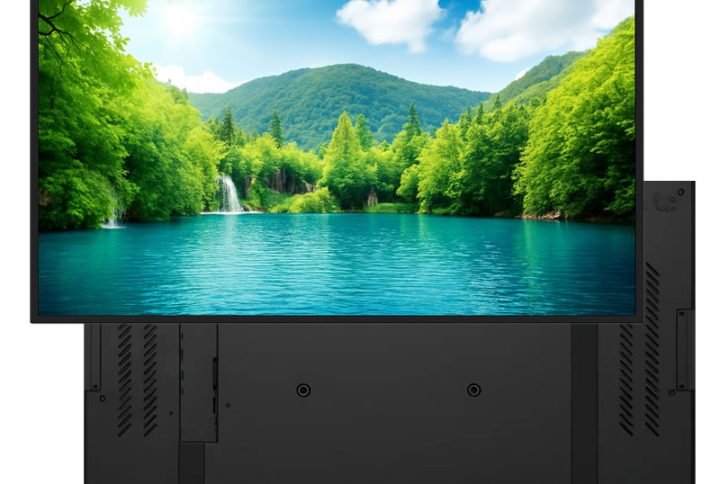
The PM501 experience is defined by its sheer visual real estate. For the presenter, an expansive 21.5″/18.5″ touch screen provides a generous and fluid workspace for effortless control. But for the audience, the PM501 makes its true statement. A colossal front-facing screen—available in an immense 43-inch or a large 32-inch option—serves as a brilliant, high-definition digital canvas. This is more than a logo display; it is a primary communication channel, perfect for broadcasting supplemental data, live video feeds, detailed infographics, or powerful branding, ensuring your message dominates the visual space.
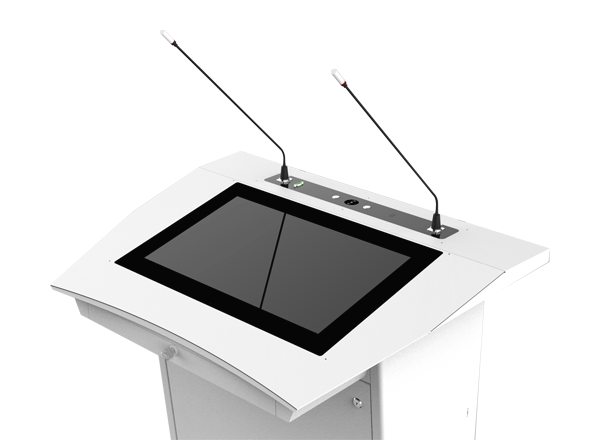
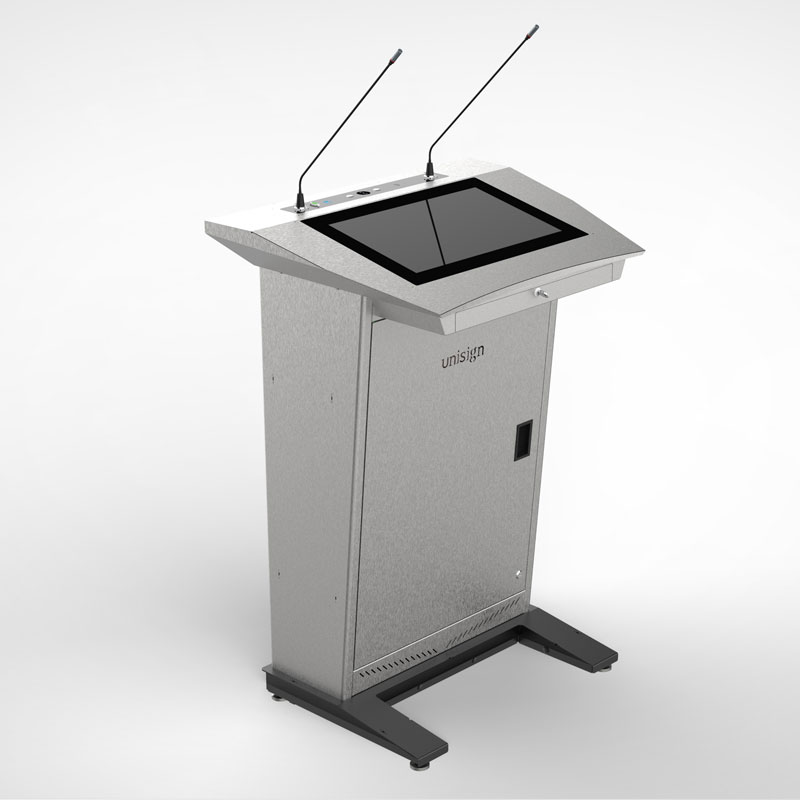
A Fully Integrated Professional Workstation
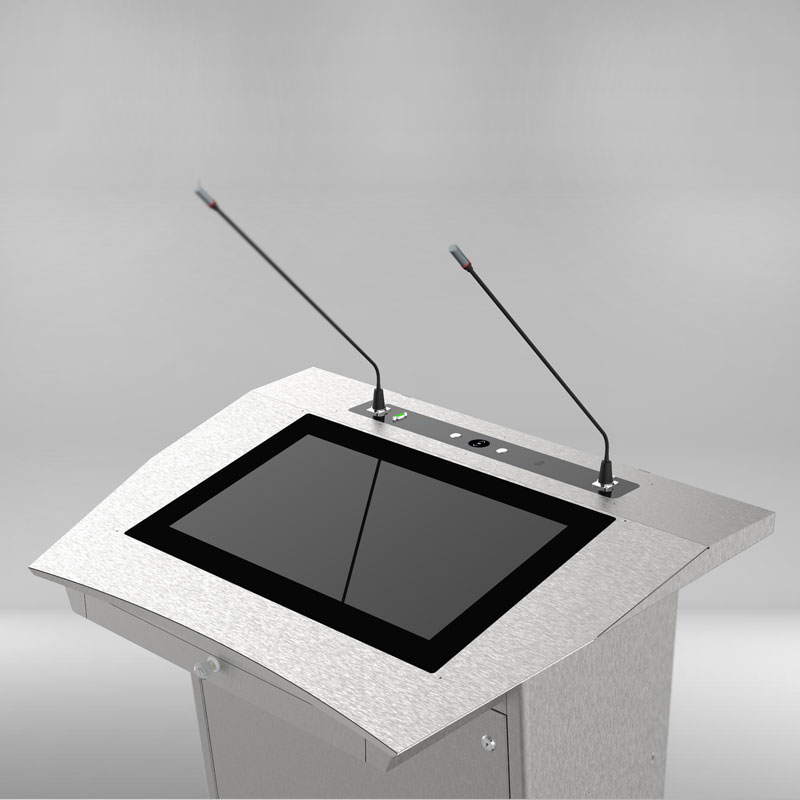
The aesthetic of the PM401 is a sophisticated dialogue between materials. The cool, clean lines of the robust metal chassis project a sense of modern precision and stability. This is perfectly balanced by the organic warmth and texture of the wooden top surface and side shelf, creating a tactile and visually stunning contrast. This thoughtful fusion of industrial and natural elements ensures the podium is not just seen, but experienced, adding a layer of curated design to any high-end interior.
The Indestructible Core for Mission-Critical Venues
Built for the most demanding environments, the PM501’s robust, all-metal construction provides maximum durability and protection. Both industrial-grade screens are engineered for relentless 24/7 operation, ensuring it serves as an unwavering, reliable cornerstone for mission-critical communications. This is a strategic investment in a platform whose physical endurance is as impressive as its technological capability.
The Definitive Statement in Modern Presentation
The Epostechnologies PM501 is the ultimate choice for institutions that project strength, innovation, and technological leadership. Its monolithic design and immense visual power make it the definitive platform for delivering your vision on the grandest scale.
Technical Specifications
Epostechnologies PM501 Dijital Kürsü Teknik Özellikleri
Speaker Display Size | Resolution | Brightness (cd/m² Typ.) | Contrast Ratio | Viewing Angle | Response Time (ms) | Active Display Area | Touch Type | Operating Time | Top Connections | Bottom Connections (Input) | Bottom Connections (Output) |
|---|---|---|---|---|---|---|---|---|---|---|---|
18.5" | 1366*768 | 500 | 1000:1 | 89/89/89/89 | 14 ms (G to G) | 409.8(W)×230.4(H) mm | PCAP Multi-Touch | 24/7 | 2x USB, HDMI, On/Off, Microphone | Power, USB, Data | 2x HDMI, Microphone |
Epostechnologies PM501 Dijital Kürsü İzleyici Ekranı Teknik Özellikleri
Audience Display Size (available for both Models) | Resolution | Brightness (cd/m² Typ.) | Contrast Ratio | Viewing Angle | Response Time (ms) | Active Display Area | Audience Display Android Player PC | Optional Features |
|---|---|---|---|---|---|---|---|---|
32" | 1920*1080 | 400 | 1200:1 | 89/89/89/89 | 8 (Typ, G to G) | 698.4(W)×392.85(H) mm | Android OS, 2GB RAM / 16GB Hard Disk | Amplifier, Mixer , Microphone, Reading Lamp, Cup holder, Drawer |
Frequently asked questions
What should I confirm before ordering a digital lectern?
Specify the presentation device, required video connections and any audio-system connection. Check the selected model and quotation to establish whether components such as a computer and microphone are included.
What information is needed for a price quotation?
Share the model, quantity and installation location. Specify mounting, content playback or management software and any accessories separately so the hardware and service scope can be compared for your requirements.
How should a digital lectern be matched to the presentation system?
List the computer, room display system and required audio connections. Check the lectern connections in the selected model’s specification.
Which conditions matter when positioning the lectern?
Assess the presenter’s view of the screen and access to controls. Plan stage circulation, power points and cable routes together. Enclosure dimensions, weight and any mobility options vary by model.
How should the presentation setup be checked before handover?
Test video transmission with the intended computer and a sample presentation, along with touch response where applicable and the selected audio connections. Check room-display orientation and resolution.
Application Images








Reviews
There are no reviews yet.