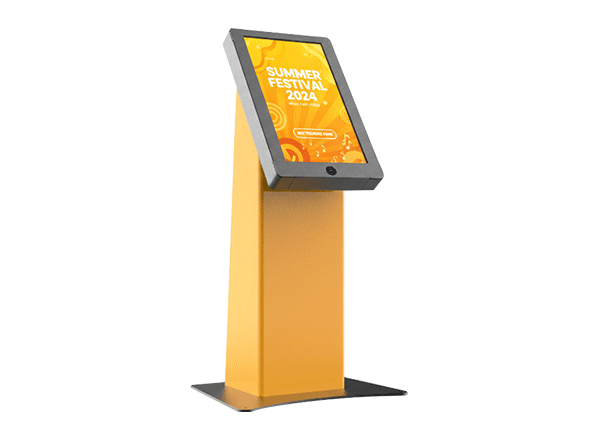
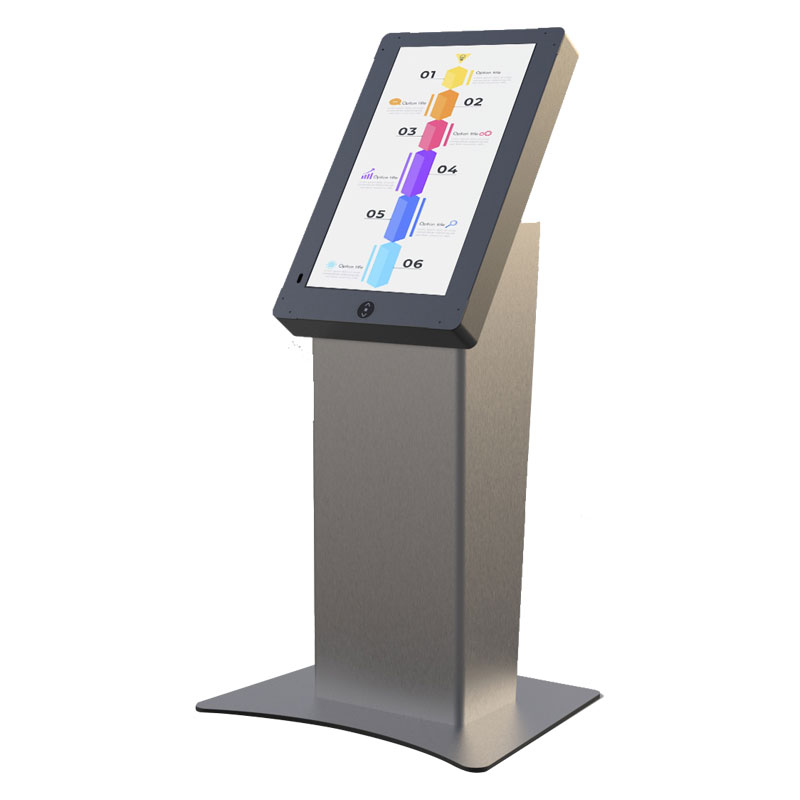
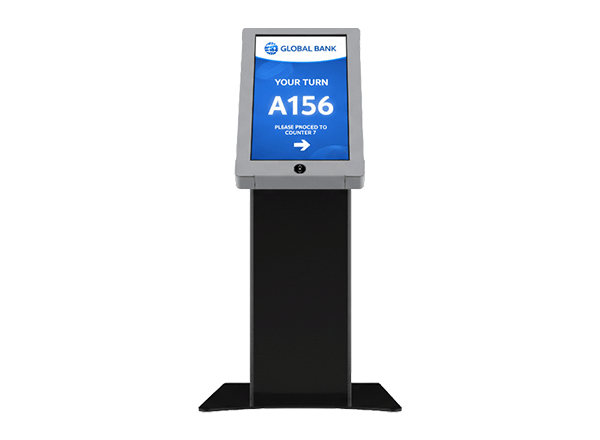
Kiosk Standard E Model 21.5inch

$0.00
people are viewing this right now
Image Checkout
Guaranteed Checkout
Category: Tags: , ,

21.5

Screen Size (inch) :


Epostechnologies diverse kiosk portfolio offers various models, thoughtfully engineered to address specific aesthetic preferences and functional requirements across various industries and applications. From the simplicity and ergonomic excellence of our A Model to the industrial durability of our P Model, each design represents a tailored solution that balances visual appeal with operational performance to meet your unique business objectives.

Select a kiosk around the user task, touch requirements and peripherals. Installation space, user reach and cable routing affect the setup. For a quotation, specify the intended application, device quantity and required connections.


1920 x 1080
500 cd/m²
Full HD

Key Features

Flexible Design & Integration

Reliability for 24/7 Operation

Sustainable & Future-Proof Technology

Strong and Robust Structure

Custom Size Freedom

Superior Visual Quality

General Overview

Inclusive Innovation – Designed for Everyone

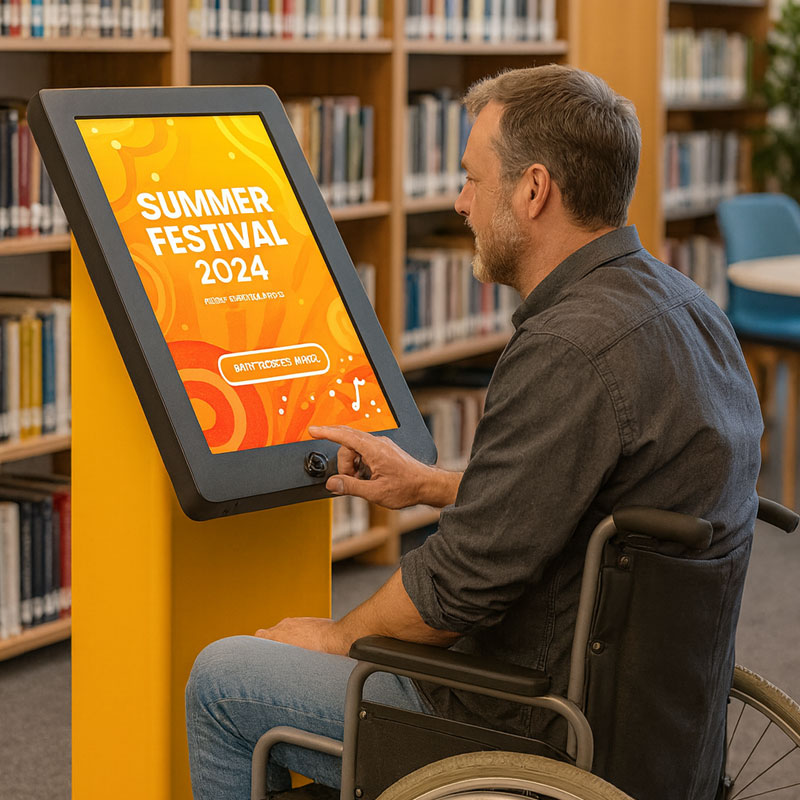
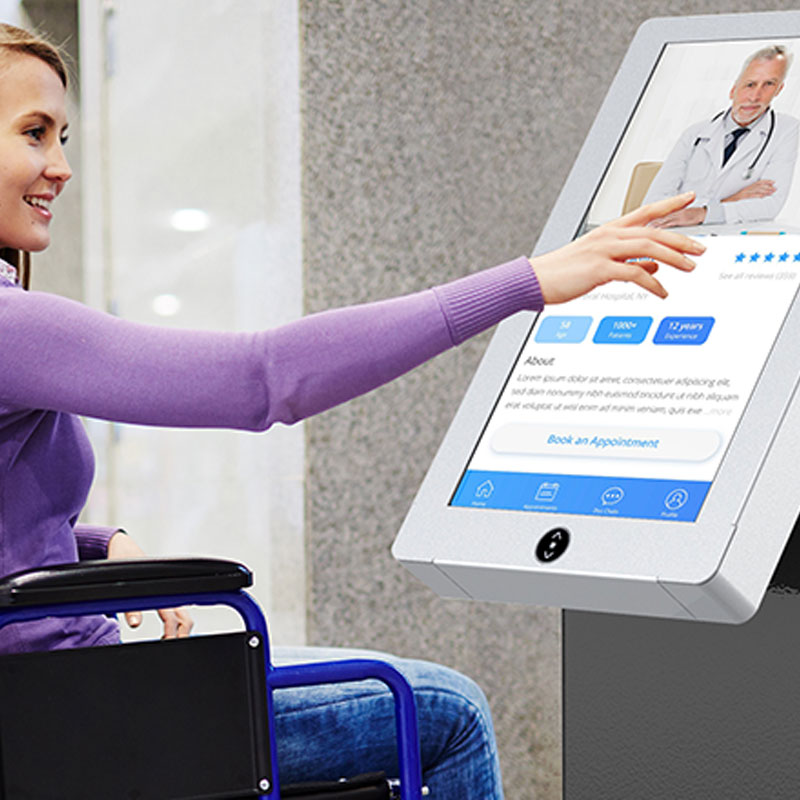
The E Model pioneers inclusive design through its innovative stand elevator system that adjusts to accommodate users of all abilities and heights. This accessibility champion ensures compliance with ADA requirements while creating welcoming experiences for elderly users, wheelchair users, and individuals with mobility challenges, expanding your customer base and demonstrating social responsibility.

Universal Access – Height That Adapts to Every User

Height adjustment capabilities transform the E Model into a truly universal access solution that serves diverse user populations without compromise. The smooth, reliable elevator mechanism provides precise positioning for optimal viewing angles and comfortable interaction, eliminating barriers that might prevent certain users from accessing your services or information.

Independent & Fast Self-Service Experience

The E Model’s self-service design enables users to complete their transactions quickly and easily without assistance, delivering a fully independent user experience. This structure shortens transaction times and improves user flow, while reducing staff workload and increasing operational efficiency for businesses. As a result, it creates a smoother and more efficient process for both users and businesses.

Engineered for Reliability – Built to Last

The E Model’s robust construction ensures reliable operation despite the mechanical complexity of the elevator system, with industrial-grade components that withstand frequent adjustment cycles and heavy use. This durability makes it suitable for high-traffic environments where accessibility features must function flawlessly day after day.

Compliance and Care – Setting New Standards

Regulatory compliance is seamlessly achieved through the E Model’s adherence to accessibility standards and guidelines, protecting your business from potential legal issues while demonstrating commitment to inclusive practices. This proactive approach to accessibility creates positive brand associations and community goodwill while opening new market opportunities.

Frequently asked questions

How should the kiosk installation space be planned?

Consider enclosure dimensions, user reach and circulation space together. Plan power, network and peripheral cable routes; the mounting surface and maintenance access must suit the selected model.

Provide the product code, quantity, installation location and intended equipment. Ask for accessories, fixings, software and installation requirements to be identified separately in the quotation.

Design the interface for the selected display resolution and orientation. Place primary controls within easy reach and check text from the intended standing or seated position.

List the printer, reader, computer or payment terminal required by the workflow. Check each component’s physical fit, connection, power requirements and application support.

Test the display, touch response, network connection and any selected peripherals with the intended application. Check that users can start and finish the main task and use cancel and help actions.

Application Images


Reviews

There are no reviews yet.

Recently Viewed Products