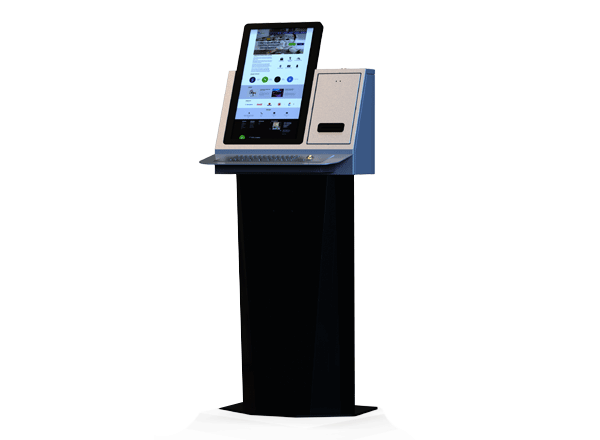
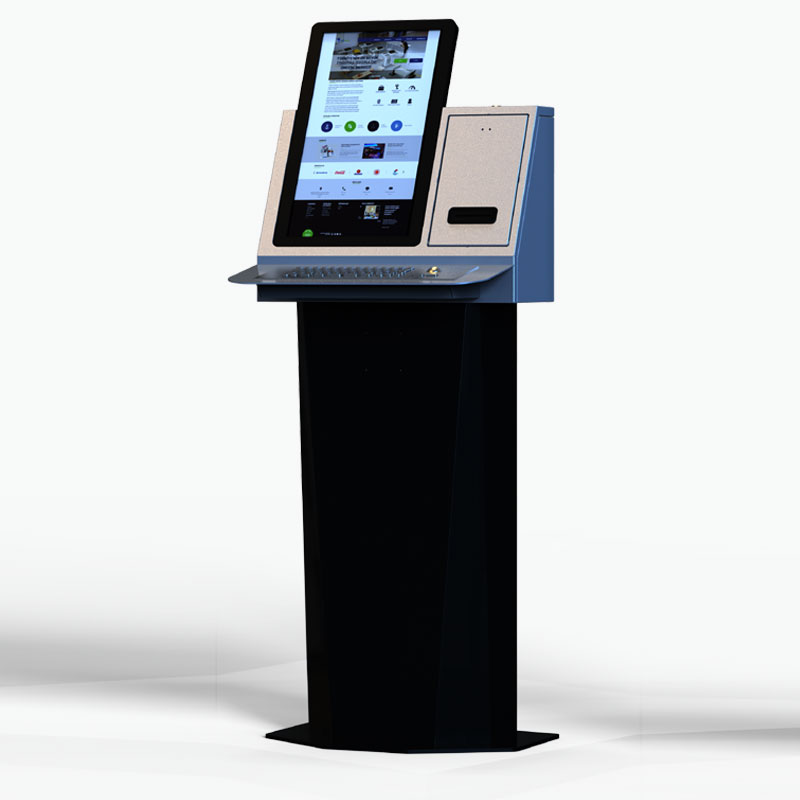
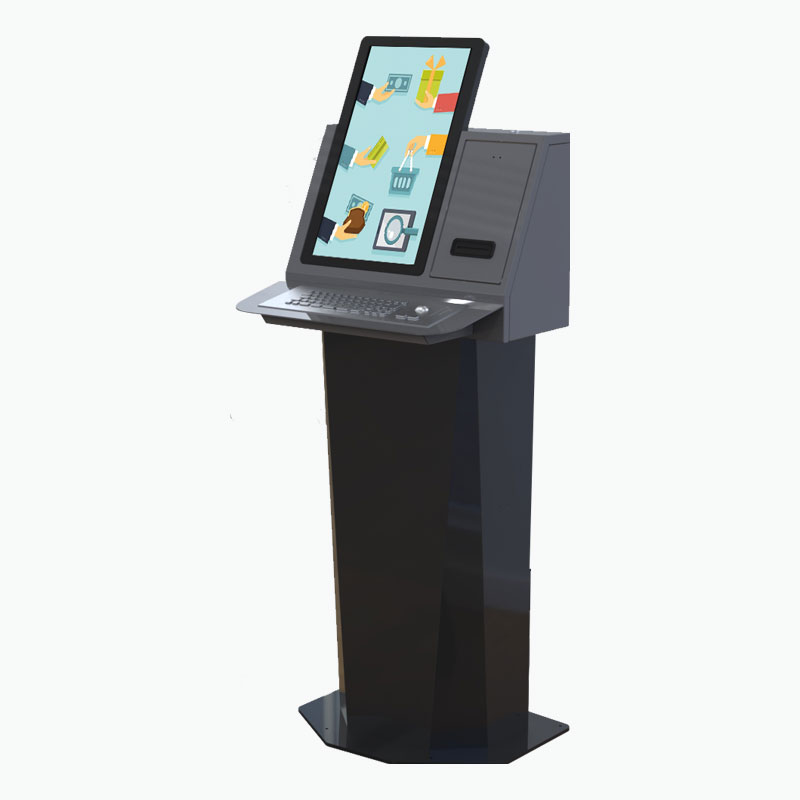
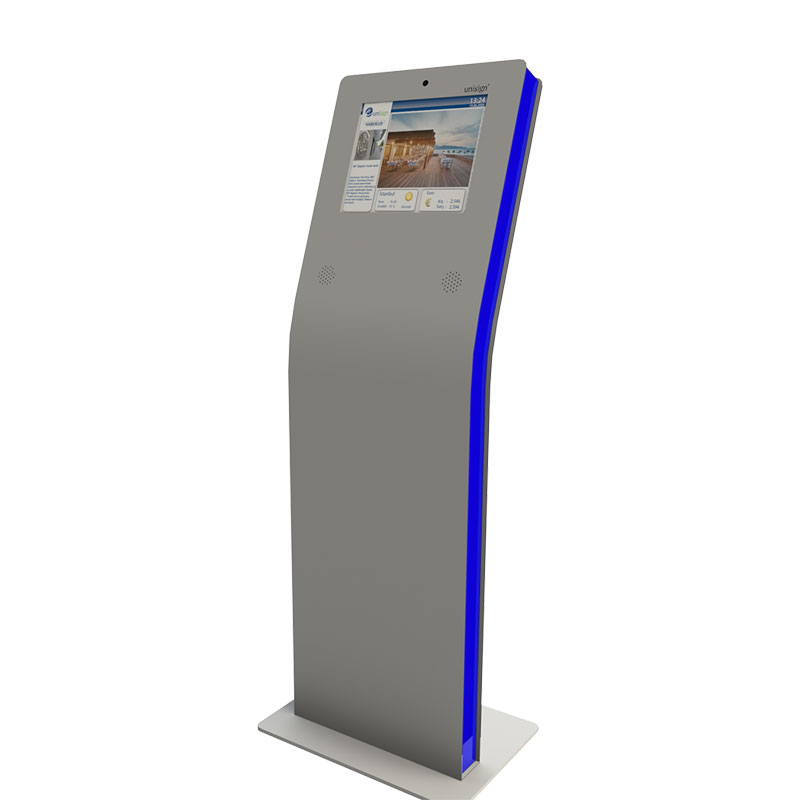
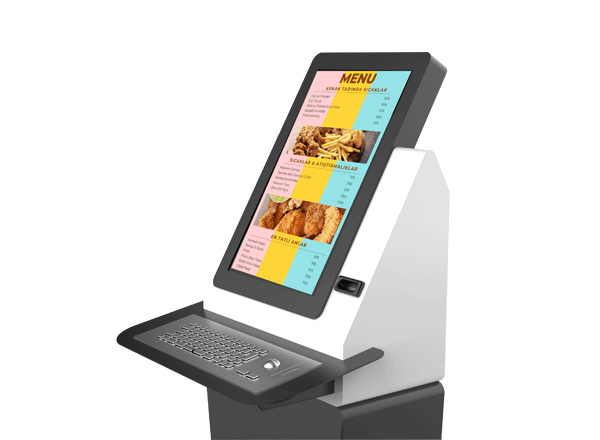
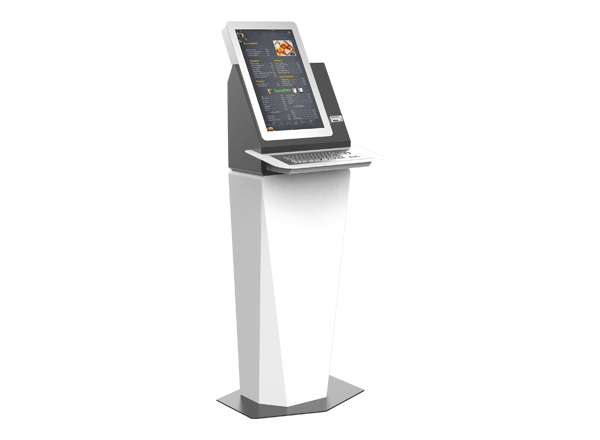
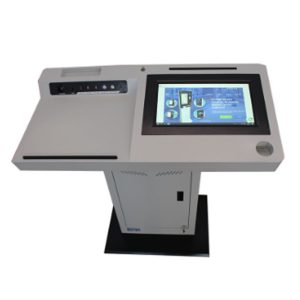
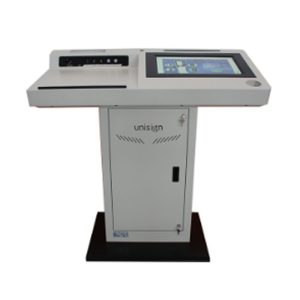
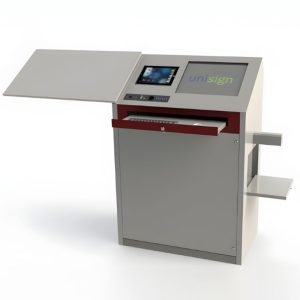
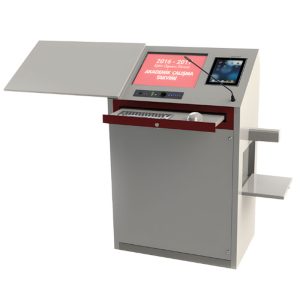
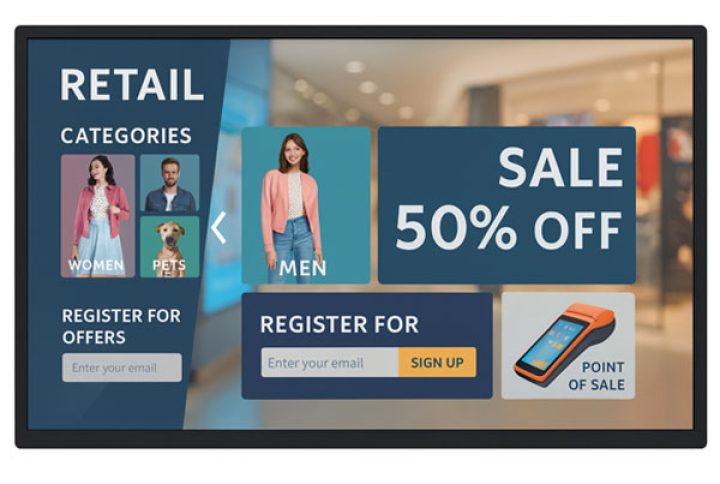
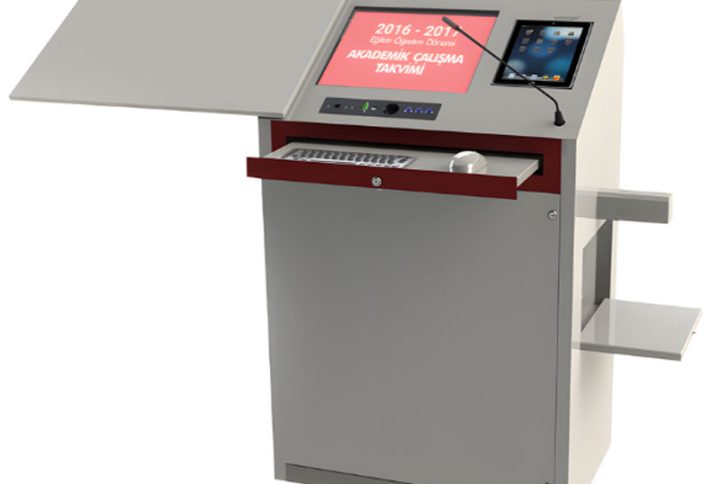
Epostechnologies diverse kiosk portfolio offers various models, thoughtfully engineered to address specific aesthetic preferences and functional requirements across various industries and applications. From the simplicity and ergonomic excellence of our A Model to the industrial durability of our P Model, each design represents a tailored solution that balances visual appeal with operational performance to meet your unique business objectives.
Select a kiosk around the user task, touch requirements and peripherals. Installation space, user reach and cable routing affect the setup. For a quotation, specify the intended application, device quantity and required connections.

1920 x 1080
500 cd/m²
Full HD
Key Features
Training Services
Clear and Vibrant Display for Product Features and Details
Smart Control System
Seamless Content Integration
Flexible Design Meets Professional Aesthetics
Energy-Efficient & Smart Operation
General Overview
Redefining Library Automation – Smart, Seamless, Self-Service
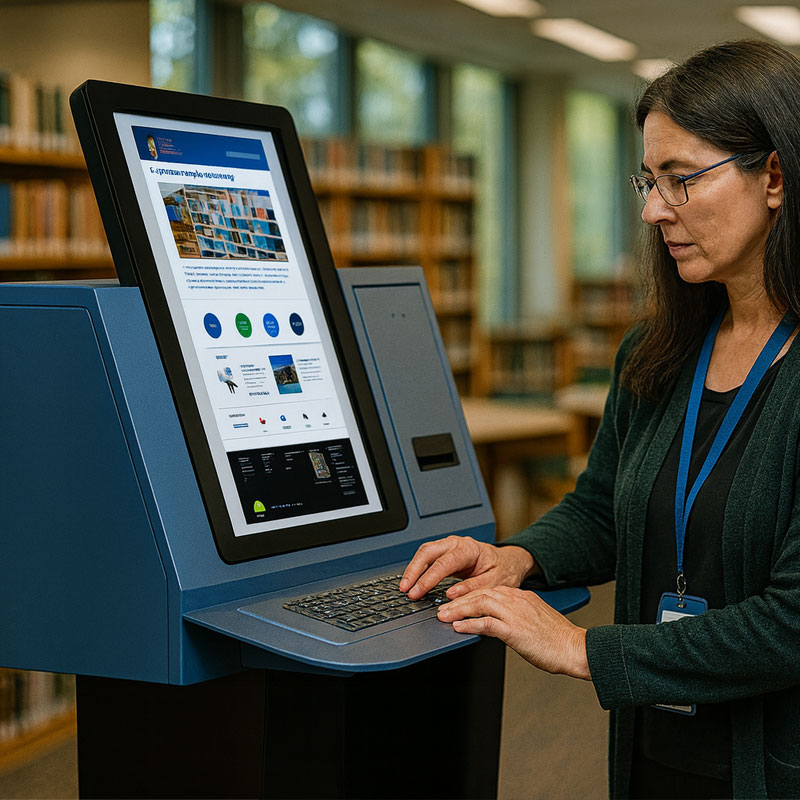
The L Model revolutionizes library and information services with its integrated keyboard, barcode scanner holder, and thermal printer combination, creating a complete self-service solution for checkouts, returns, and information management. This specialized configuration streamlines library operations while enhancing the user experience through faster and more efficient service delivery.


Integrated Efficiency – Everything You Need in One System
Integrated functionality defines the L Model’s approach to library automation, with seamlessly incorporated text input, barcode scanning, and printing capabilities that eliminate the need for separate peripheral devices. This consolidation reduces complexity, minimizes counter space requirements, and creates a more organized, professional appearance within the library environment.
Clarity in Every Light – Perfect Visibility Anywhere
The B Model’s optimized viewing angle eliminates screen glare and reflection issues commonly encountered in brightly lit environments, ensuring clear visibility throughout the day. This feature proves particularly valuable in retail settings, airports, and outdoor installations where lighting conditions vary significantly, maintaining consistent user experience regardless of environmental factors.


Optimized Display – Compact, Clear, and Comfortable
The L Model’s 18.5″ and 21.5″ screen options provide optimal sizing for library applications, offering ample display space for catalog searches, user instructions, and multimedia content while maintaining compact dimensions suitable for library settings. These carefully selected sizes ensure comfortable viewing distances and efficient use of available space.
Workflow Optimization – Faster Service, Happier Users
Workflow optimization is achieved through the L Model’s thoughtful integration of keyboard, scanning, and printing functions, supporting complete transaction cycles from item search to checkout completion. This seamless process reduces wait times, improves user satisfaction, and enables library staff to focus on higher-value services rather than routine transactional tasks.


Educational Empowerment – Beyond Information Access
Educational enhancement is made possible through the L Model’s multimedia capabilities, supporting interactive learning experiences, research guidance, and digital resource access. This versatility transforms the kiosk from a simple transaction terminal into a comprehensive information hub that advances the library’s educational mission.
Application Images
Frequently asked questions
How should the kiosk installation space be planned?
Consider enclosure dimensions, user reach and circulation space together. Plan power, network and peripheral cable routes; the mounting surface and maintenance access must suit the selected model.
How can I clarify the order scope?
Provide the product code, quantity, installation location and intended equipment. Ask for accessories, fixings, software and installation requirements to be identified separately in the quotation.
How should the kiosk interface be prepared?
Design the interface for the selected display resolution and orientation. Place primary controls within easy reach and check text from the intended standing or seated position.
What should I verify for kiosk peripherals?
List the printer, reader, computer or payment terminal required by the workflow. Check each component’s physical fit, connection, power requirements and application support.
What should be tested when receiving a kiosk?
Test the display, touch response, network connection and any selected peripherals with the intended application. Check that users can start and finish the main task and use cancel and help actions.


Reviews
There are no reviews yet.