P Model 21.5inch

$0.00
people are viewing this right now
Image Checkout
Guaranteed Checkout
Category: Tags: , ,

21.5

Screen Size (inch) :


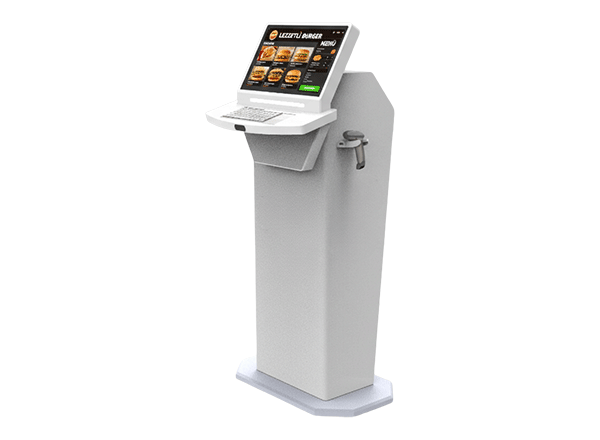
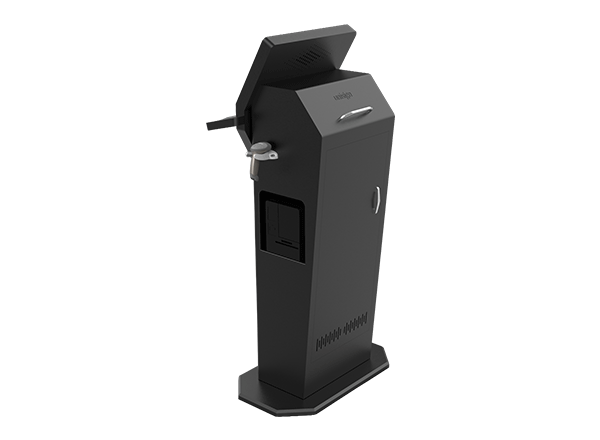
Epostechnologies diverse kiosk portfolio offers various models, thoughtfully engineered to address specific aesthetic preferences and functional requirements across various industries and applications. From the simplicity and ergonomic excellence of our A Model to the industrial durability of our P Model, each design represents a tailored solution that balances visual appeal with operational performance to meet your unique business objectives.

Select a kiosk around the user task, touch requirements and peripherals. Installation space, user reach and cable routing affect the setup. For a quotation, specify the intended application, device quantity and required connections.


1920 x 1080
500 cd/m²
Full HD

Key Features

24/7 Industrial Grade Displays

Industrial-Grade Reliability

Durable Design

Strong and Robust Structure

Energy-Efficient & Smart Operation

Scalable Digital Signage Network

General Overview

Engineered for Extremes – Built to Endure, Designed to Perform

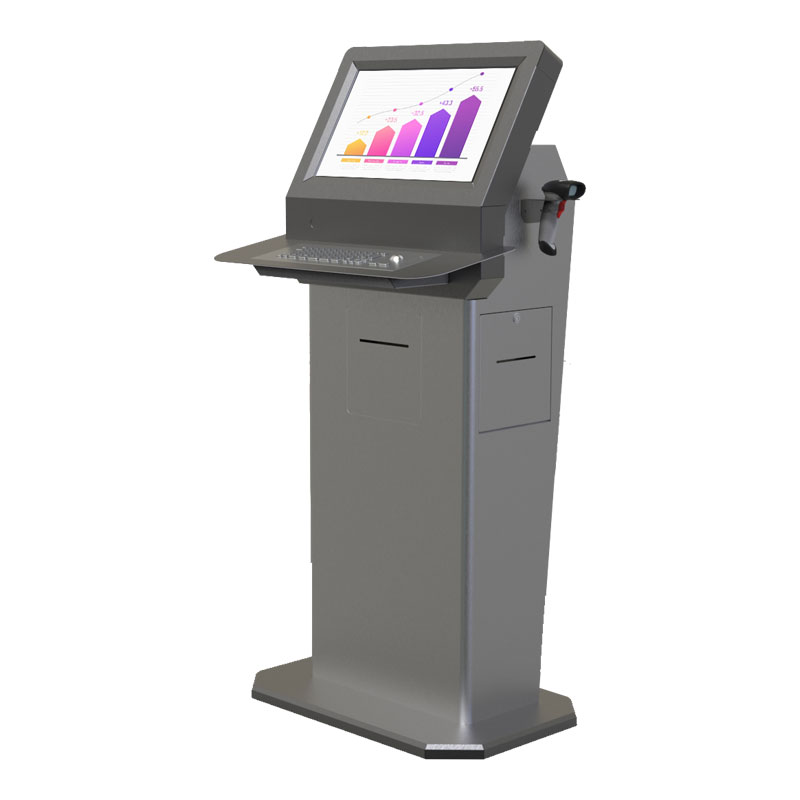
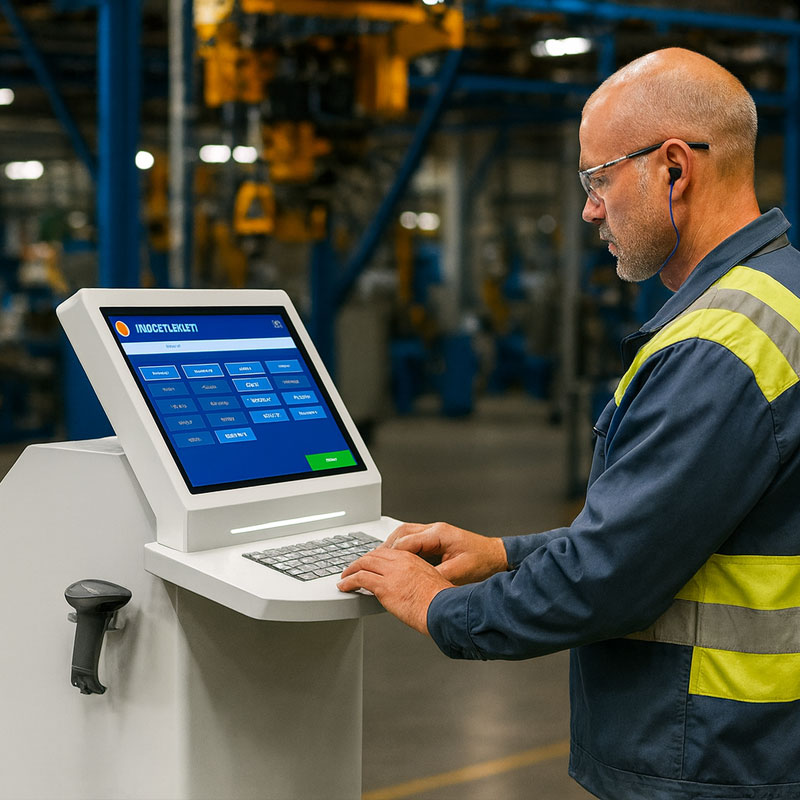
The P Model conquers harsh industrial environments through its robust stainless steel construction and specialized engineering that withstand extreme temperatures, moisture, chemicals, and physical impacts. This industrial-grade solution ensures reliable operation in manufacturing facilities, warehouses, and production environments where standard kiosks would fail.

Optimized Visibility – Clear Data, Compact Design

The P Model’s 21.5″ screen provides optimal visibility for industrial applications while maintaining manageable size for confined spaces and specialized mounting requirements. This screen size ensures clear readability of work instructions, safety information, and production data while accommodating protective gloves and industrial work environments.

Unmatched Durability – Strength Meets Hygiene

Stainless steel durability provides unmatched resistance to corrosion, chemicals, and physical abuse while maintaining professional appearance even under demanding conditions. The P Model’s construction meets industrial standards for hygiene and safety, making it suitable for food processing, pharmaceutical manufacturing, and other regulated environments where cleanliness and durability are essential.

Integrated Intelligence – Smarter Manufacturing Management

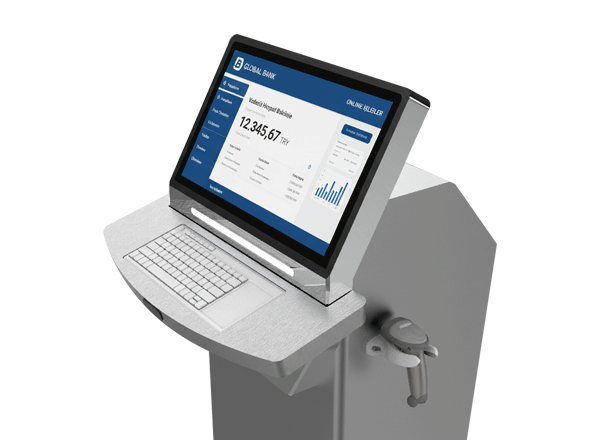
Production integration capabilities enable the P Model to serve as a central information hub for manufacturing processes, quality control systems, and safety management programs. Enhanced with integrated keyboard and barcode reader holder options, the P Model streamlines data entry and inventory management tasks while ensuring continuous operation in demanding environments where downtime costs are measured in thousands of dollars per hour.

Specialized Design – Ready for Every Industrial Challenge

Specialized applications find ideal solutions in the P Model’s design that addresses unique industrial requirements such as washdown capabilities and electromagnetic interference resistance. The optional integrated keyboard and barcode reader holder expand functionality for inventory tracking, quality control documentation, and production reporting, ensuring reliable operation in environments where standard commercial kiosks would be inappropriate or unsafe.

Application Images


Frequently asked questions

How should the kiosk installation space be planned?

Consider enclosure dimensions, user reach and circulation space together. Plan power, network and peripheral cable routes; the mounting surface and maintenance access must suit the selected model.

Provide the product code, quantity, installation location and intended equipment. Ask for accessories, fixings, software and installation requirements to be identified separately in the quotation.

Design the interface for the selected display resolution and orientation. Place primary controls within easy reach and check text from the intended standing or seated position.

List the printer, reader, computer or payment terminal required by the workflow. Check each component’s physical fit, connection, power requirements and application support.

Test the display, touch response, network connection and any selected peripherals with the intended application. Check that users can start and finish the main task and use cancel and help actions.

Reviews

There are no reviews yet.

Recently Viewed Products