
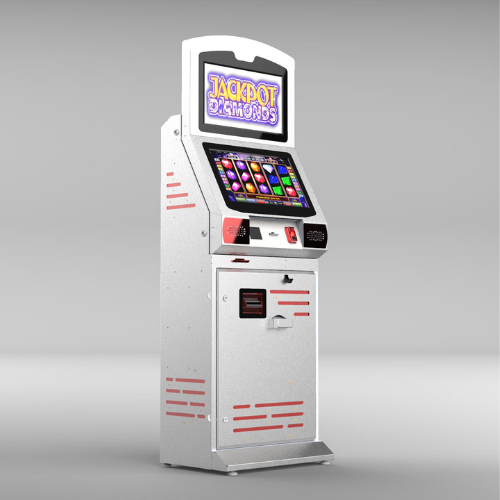
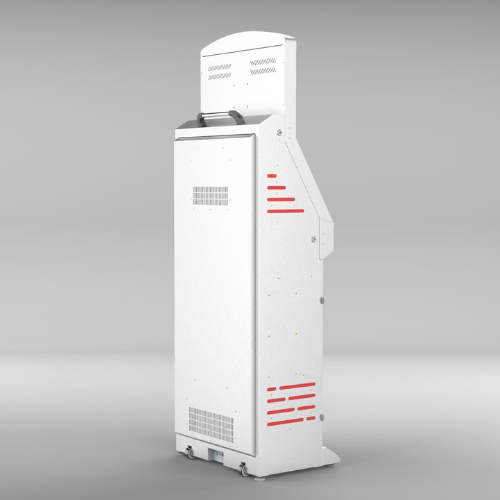
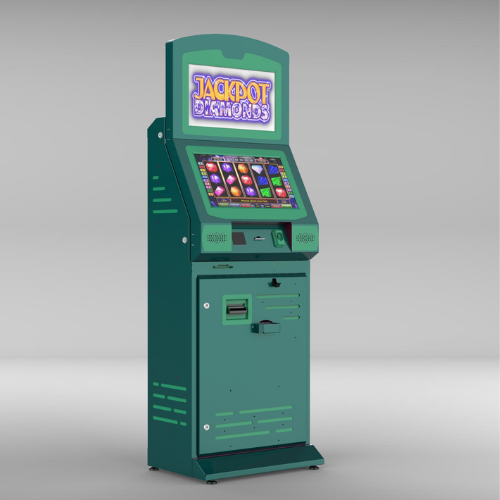
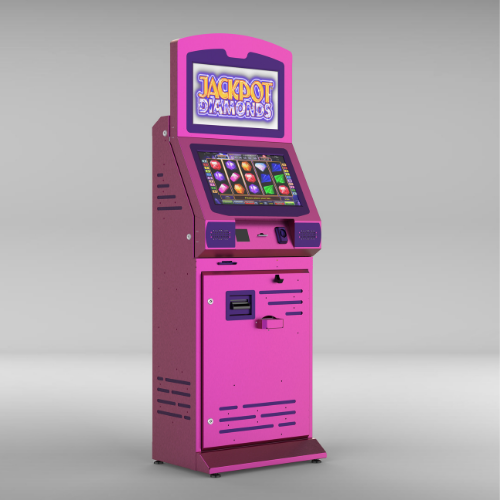

The Epostechnologies Betting Kiosk is a purpose-built 21.5-inch interactive service terminal for betting shops, gaming halls and entertainment venues. Designed for fast, repeated interaction in lively, high-energy spaces, it lets users place selections and complete transactions quickly and independently. With a responsive 10-point capacitive screen and 500 cd/m² brightness, the Betting Kiosk keeps play moving while standing up to intensive daily use.
Select a kiosk around the user task, touch requirements and peripherals. Installation space, user reach and cable routing affect the setup. For a quotation, specify the intended application, device quantity and required connections.



1920 x 1080
500 cd/m²
7/24 50.000 Hour
Key Features
24/7 Industrial Grade Displays
Sleek Design
Customizable
High Brightness with Vibrant Colors
General Overview
Kiosk Design for Gaming Environments
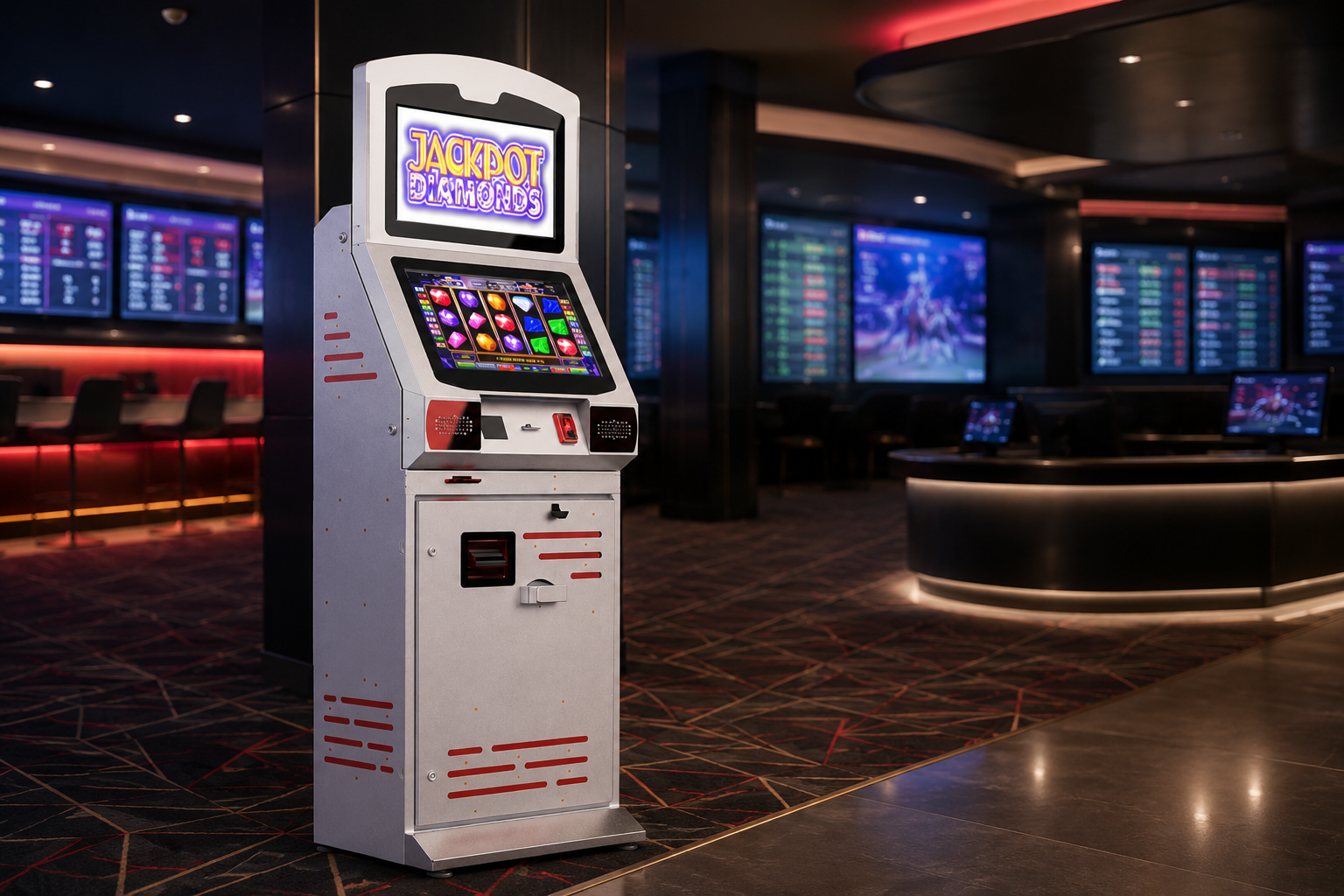
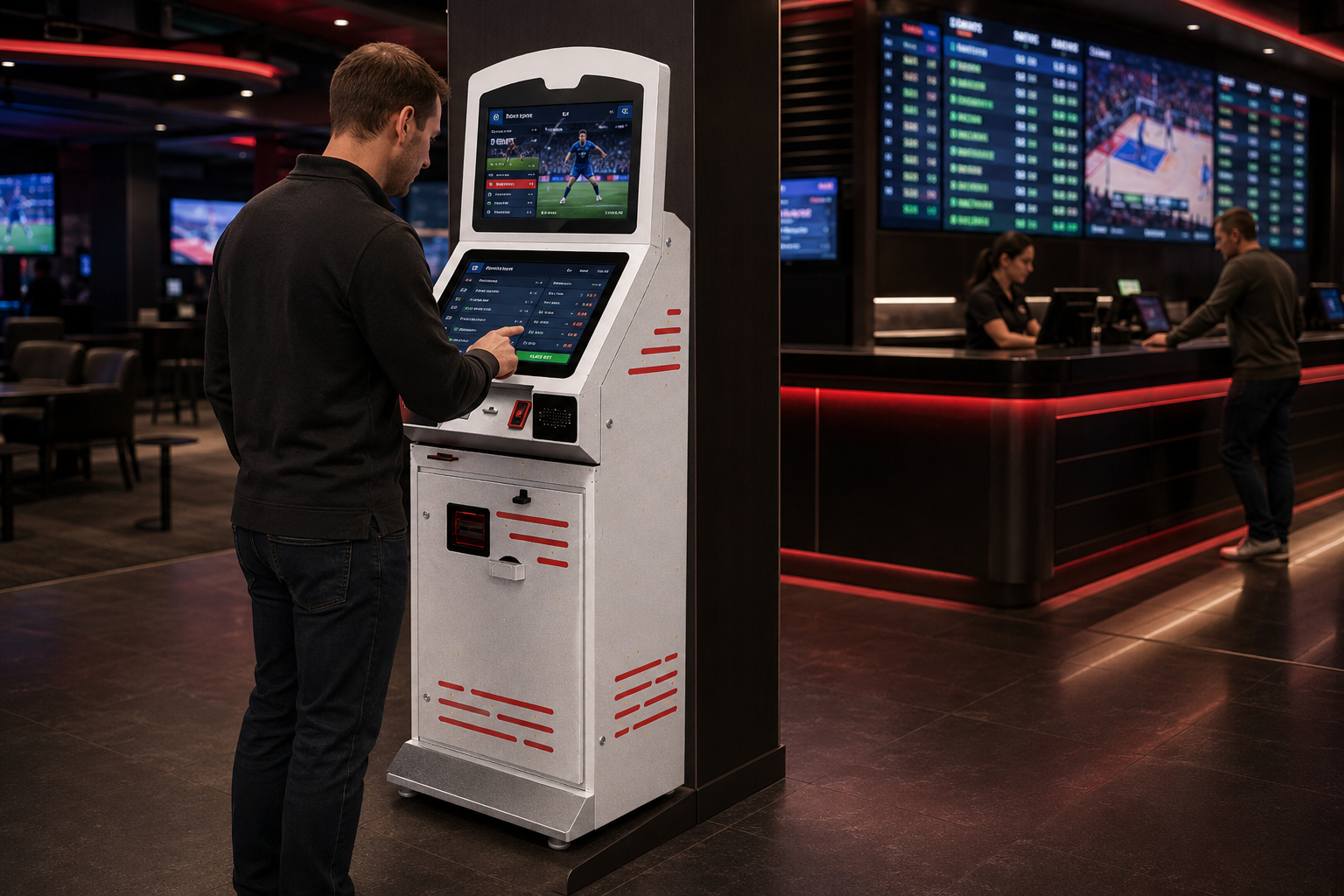
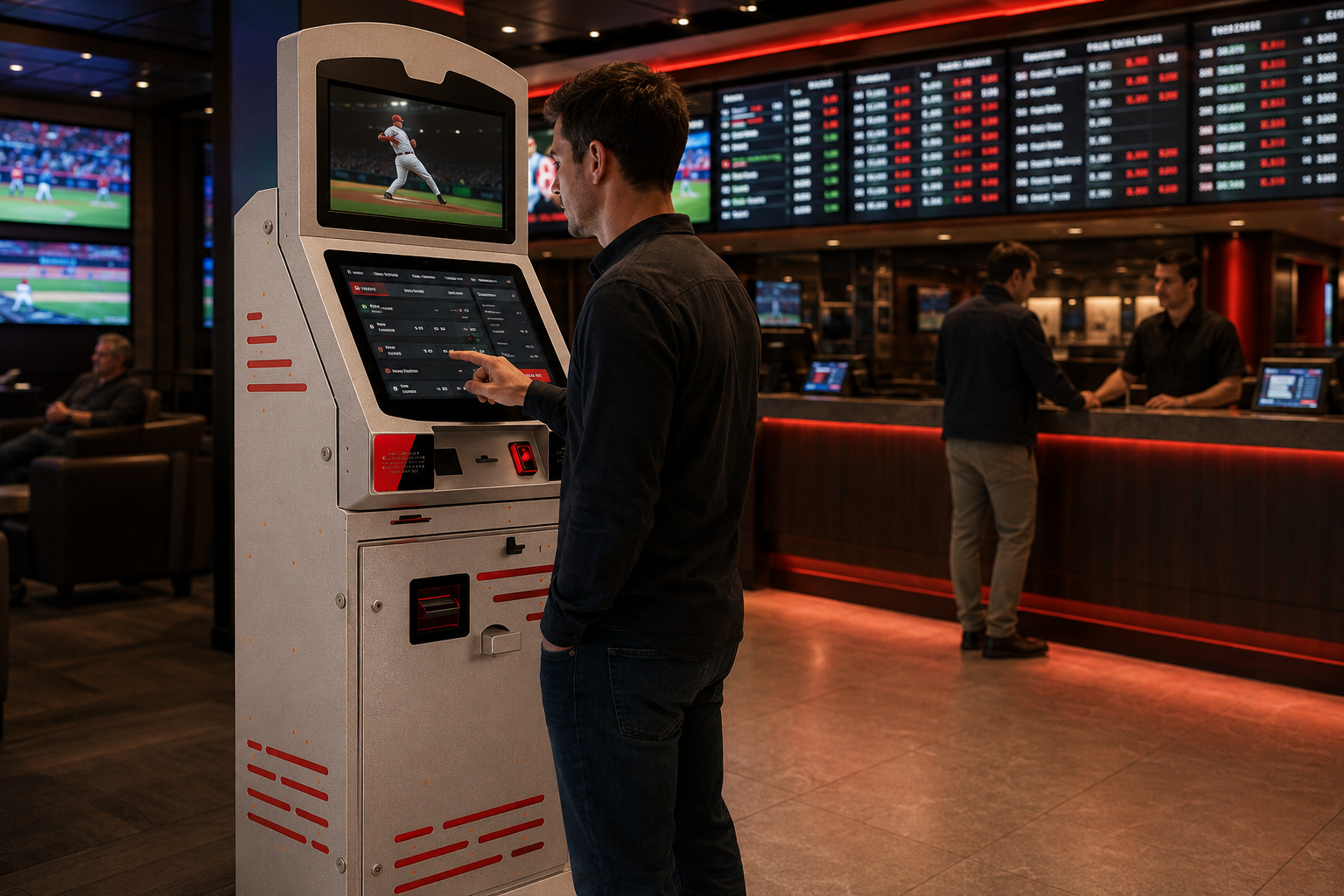
Built around a 21.5″ screen, the Betting Kiosk is designed to fit the busy layout of betting shops, gaming halls and entertainment venues. With its robust standalone cabinet, it provides a clear, accessible and professional interactive service point in high-energy environments.
Fast Touch Experience and Clear Display
Its 10-point projected capacitive touchscreen delivers a fast and reliable experience for repeated selection and confirmation actions. With Full HD resolution and 500 cd/m² brightness, odds, selections and on-screen prompts remain sharp and readable even under lively venue lighting.
Continuous Interactive Service Platform
As a smart all-in-one unit, the Betting Kiosk offers a strong platform for running betting and transaction applications independently. Its durable body and efficient internal components support intensive daily use, helping reduce pressure on staffed counters while allowing users to complete their transactions quickly.
Technical Specifications
Display LCD
LCD Technology | Resolution | Active Display Area | Brightness | Contrast Ratio | Viewing Angle | Response Time |
|---|---|---|---|---|---|---|
TFT-LCD | 1920x1080 | 476.064(W)×267.786(H) mm | 500 cd/m² | 1000:1 | 89/89/89/89 | 14 (Typ, G to G) |
Touch Screen
Touch Technology | Touch Points | Interface |
|---|---|---|
Projected Capacitive | 10 points Multi-touch | HDMI, DVI, VGA |
Power
Power Requirement | Power Consumption (Avg.) |
|---|---|
AC 100 - 240 V~ (+/- 10 %) 50/60 Hz | 25W |
Operations
Operation Life | Operating Temperature | Storage Temperature | Humidity |
|---|---|---|---|
7/24 Working Conditions | 0 ~ 50 °C | - 20 ~ 60 °C | 10 ~ 80% |
Frequently asked questions
What are the key specifications of Betting Model Kiosk 21.5?
The model specification lists Resolution: 1920×1080; Brightness: 500 cd/m². Include the model code and selected screen size when ordering, as other options in the same series may have different specifications. Include the customer approach, standing position and nearby doors or shelving in the layout. Wall, desk and floor installation options are not interchangeable; check the selected enclosure format against the supporting surface. External dimensions in the specification differ from the active display area. Access may be needed to open service panels or replace consumables. A measured photograph or layout drawing helps clarify these points before the equipment is ordered.
Can a self-checkout kiosk work with my existing checkout system?
Compatibility depends on the checkout software and selected peripherals. Check integration scope using the software name, version, scanner and payment-provider details. Review hardware, software and installation as separate quotation items. Consider scanning, basket display, payment and receipts together. Provide the checkout software name and version, barcode types and required peripherals. A scanner or printer must be supported by the software as well as fitting physically. Review incorrect scans, cancellation and staff-assistance scenarios within the installation workflow. Match the hardware to the actual store use case and clarify payment equipment and software integration requirements before ordering.
What information is needed for a price quotation?
Share the model, quantity and installation location. Specify mounting, content playback or management software and any accessories separately so the hardware and service scope can be compared for your requirements. Consider the available installation space as well as the screen diagonal. A quotation request can include the intended task, daily operating hours, indoor or outdoor location and delivery destination. For multiple sites, list quantities and differing requirements separately so that model options can be compared. Identify any required connection or function that is not shown in the specification. This helps define a comparable equipment proposal rather than a screen price without the installation context.
What are the key specifications of Betting Model Kiosk 21.5?
The model specification lists a resolution of 1920×1080. Prepare the content pixel dimensions and aspect ratio for this value; use a suitable layout rather than stretching artwork with a different shape. Check that text, prices and logos can be read from the intended viewing distance using sample content. Match the computer or media player’s video output settings to the display specification as well.
What should I verify for kiosk peripherals?
List the printer, reader, computer or payment terminal required by the workflow. Check each component’s physical fit, connection, power requirements and application support. Equipment shown in a product image is not necessarily standard in every configuration. Include the model code and chosen components in the quotation to establish what is supplied and which integrations are required.
What should be tested when receiving a kiosk?
Test the display, touch response, network connection and any selected peripherals with the intended application. Check that users can start and finish the main task and use cancel and help actions. Review cable access and maintenance points with the installation team. This checklist is purchasing guidance; the actual delivery, testing and installation scope should be stated in the quotation.





Reviews
There are no reviews yet.