
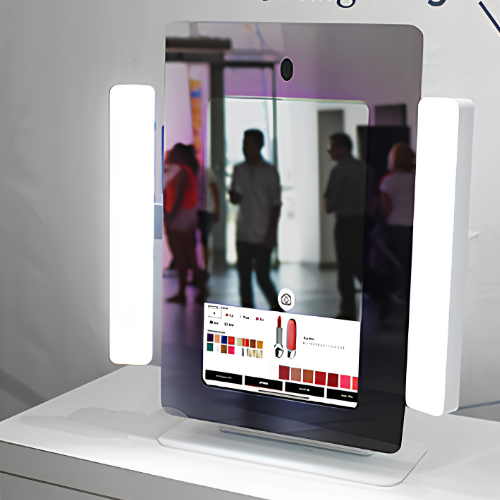
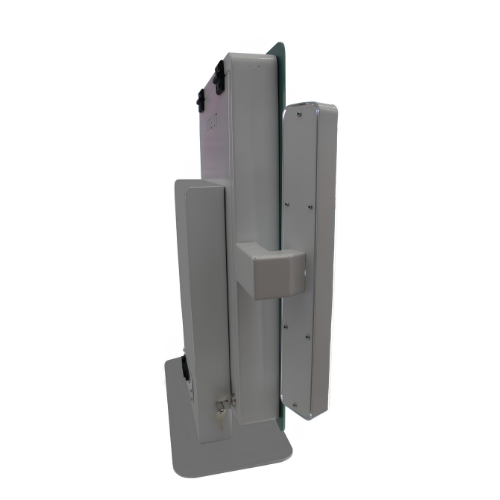
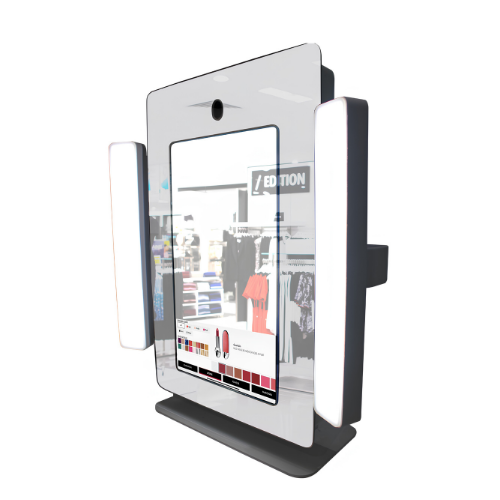
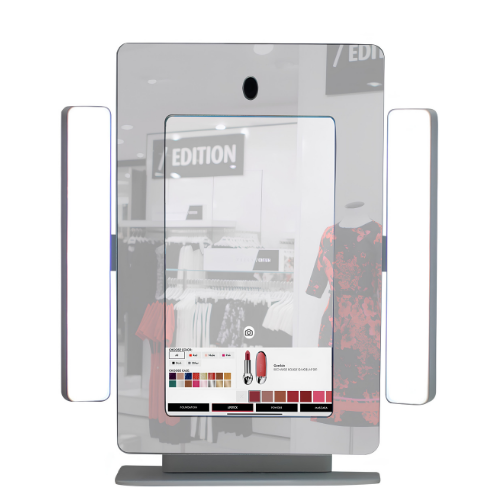

The Epostechnologies Magic Fitness Kiosk is a 43-inch interactive mirror display crafted for gyms, studios and wellness spaces. Combining a full-length reflective surface with a high-brightness screen, it overlays workouts, guidance, metrics and motivational content onto the user's own reflection. With 700 cd/m² brightness and responsive capacitive touch, the Magic Fitness turns a training mirror into a smart, immersive coaching companion.
Select a kiosk around the user task, touch requirements and peripherals. Installation space, user reach and cable routing affect the setup. For a quotation, specify the intended application, device quantity and required connections.



1920 x 1080
700 cd/m²
7/24 50.000 Hour
Key Features
24/7 Industrial Grade Displays
Sleek Design
Customizable
High Brightness with Vibrant Colors
General Overview
Studio-Ready Smart Mirror Design
The 43-inch Magic Fitness Kiosk offers a large and elegant mirror surface for fitness studios, gyms and wellness spaces. Its reflective front blends naturally into training areas, then comes alive with interactive content to guide, motivate and support users during their workouts, creating a modern fitness experience.
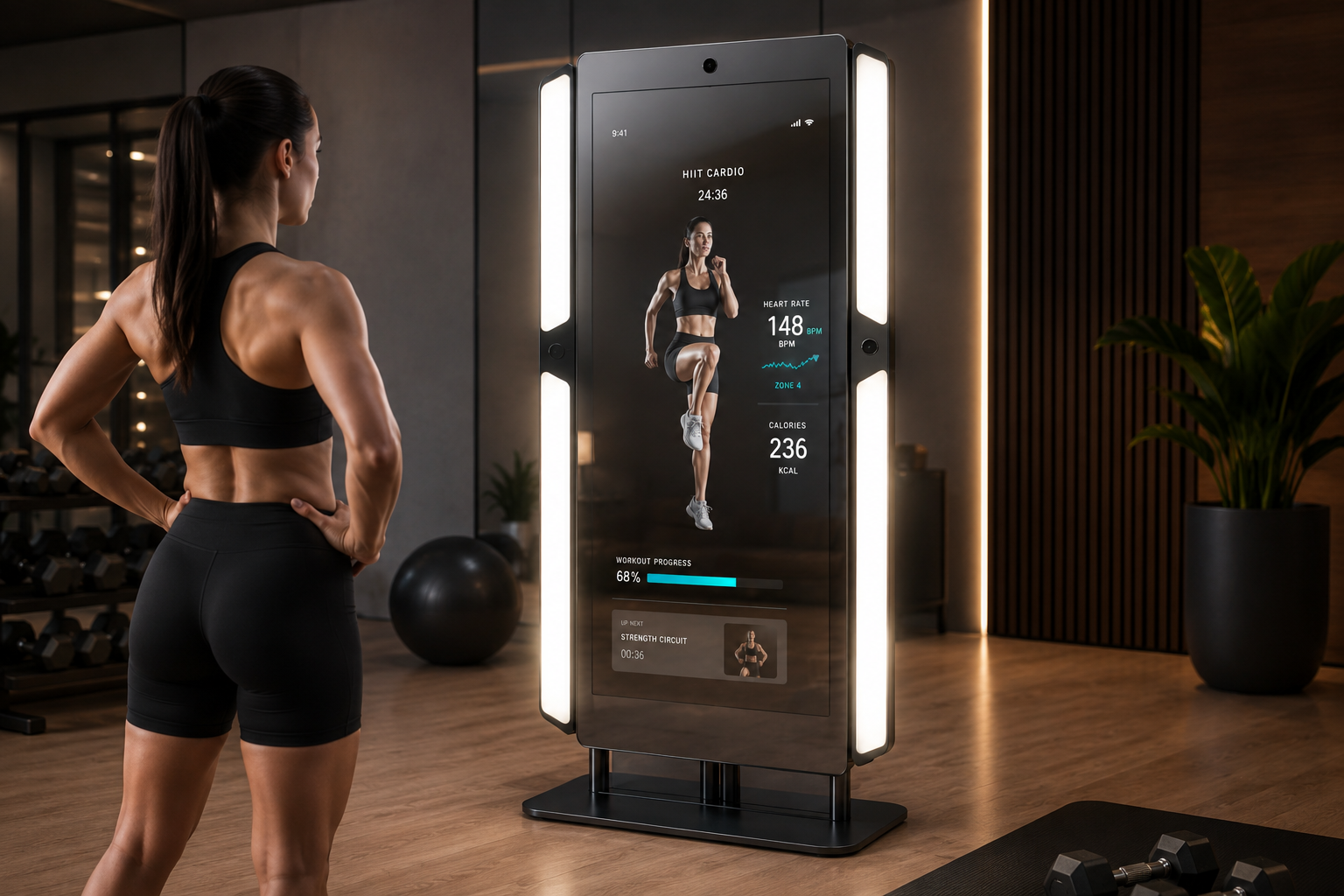
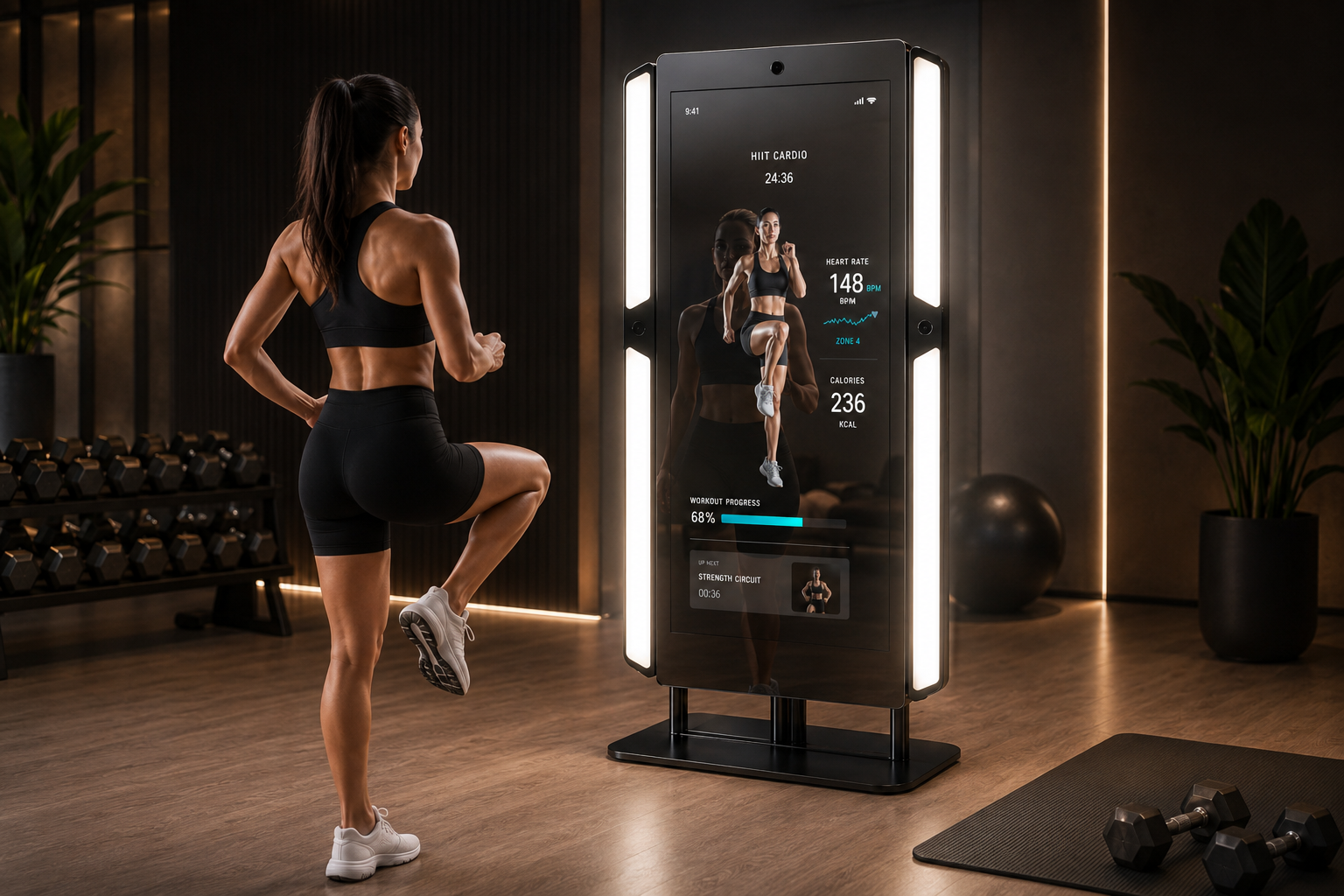
Immersive Coaching and Clear Visual Experience
Magic Fitness combines the user’s own reflection with on-screen guidance, allowing workouts, instructions and interactive applications to appear directly over the user’s image. With 700 cd/m² brightness, content remains bright, sharp and visible through the reflective layer even under studio lighting; movement cues, timers and visuals can be followed clearly from different points in the room, supporting better form and pacing.
Responsive Touch Control and Continuous Use
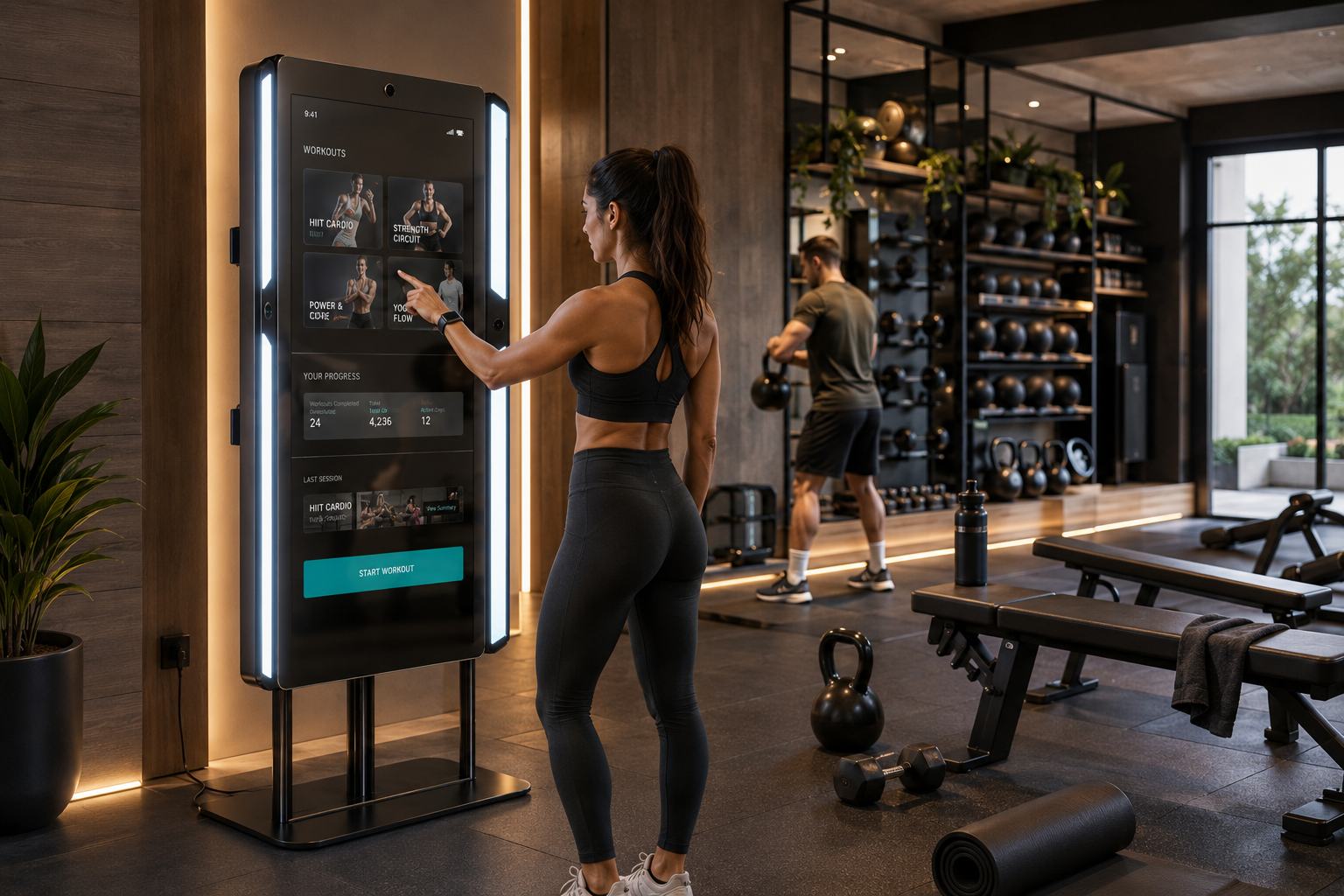
The 10-point projected capacitive screen lets users start sessions and navigate content with smooth, fast and accurate touch control. Its durable glass surface is built for the active environment of a gym while keeping the mirror clean and premium-looking. Designed for continuous use in busy fitness spaces, Magic Fitness combines a robust structure with reliable performance, keeping interactive coaching ready throughout long opening hours.
Technical Specifications
Display LCD
LCD Technology | Resolution | Active Display Area | Brightness | Contrast Ratio | Viewing Angle | Response Time |
|---|---|---|---|---|---|---|
TFT-LCD | 1920x1080 | 940.896(W)×529.254(H) mm | 700 cd/m² | 1200:1 | 89/89/89/89 | 8 (Typ, G to G) |
Touch Screen
Touch Technology | Touch Points | Interface |
|---|---|---|
Projected Capacitive | 10 | HDMI, DVI, VGA |
Power
Power Requirement | Power Consumption (Avg.) |
|---|---|
AC 100 - 240 V~ (+/- 10 %) 50/60 Hz | 70W |
Operations
Operation Life | Operating Temperature | Storage Temperature | Humidity |
|---|---|---|---|
7/24 Working Conditions | 0 ~ 50 °C | - 20 ~ 60 °C | 10 ~ 80% |
Frequently asked questions
What are the key specifications of Magic Fitness Kiosk 43?
The model specification lists Resolution: 1920×1080; Brightness: 700 cd/m². Include the model code and selected screen size when ordering, as other options in the same series may have different specifications
How should the kiosk installation space be planned?
Consider enclosure dimensions, user reach and circulation space together. Plan power, network and peripheral cable routes; the mounting surface and maintenance access must suit the selected model.
How can I clarify the order scope?
Provide the product code, quantity, installation location and intended equipment. Ask for accessories, fixings, software and installation requirements to be identified separately in the quotation.
How should content resolution be selected for Magic Fitness Kiosk 43?
The model specification lists a resolution of 1920×1080. Prepare the content pixel dimensions and aspect ratio for this value; use a suitable layout rather than stretching artwork with a different shape.
What should I verify for kiosk peripherals?
List the printer, reader, computer or payment terminal required by the workflow. Check each component’s physical fit, connection, power requirements and application support.
What should be tested when receiving a kiosk?
Test the display, touch response, network connection and any selected peripherals with the intended application. Check that users can start and finish the main task and use cancel and help actions.





Reviews
There are no reviews yet.