
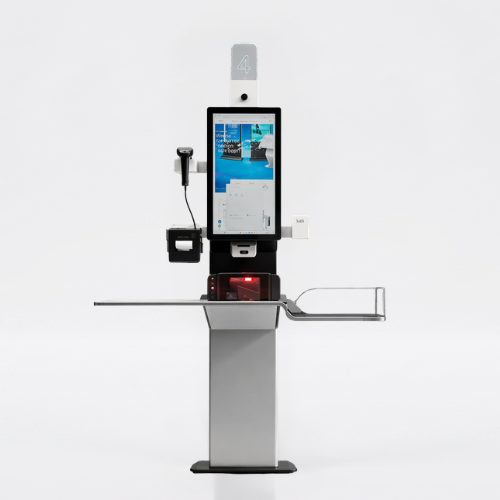
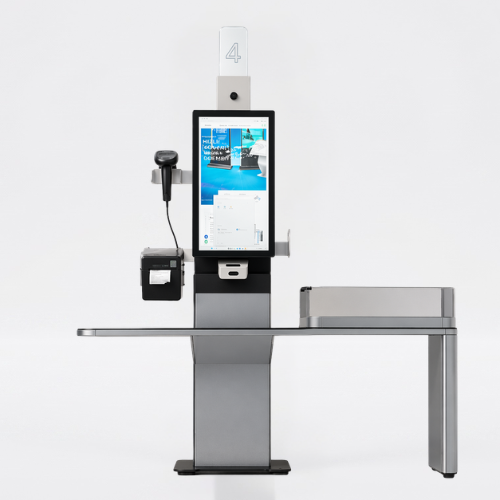
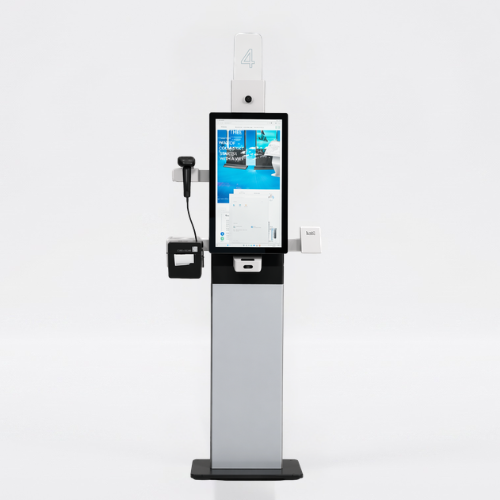
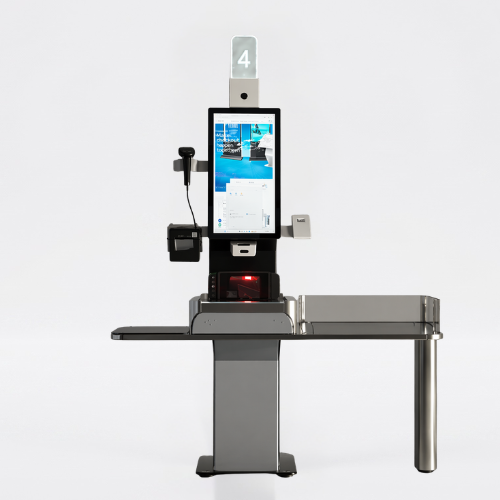

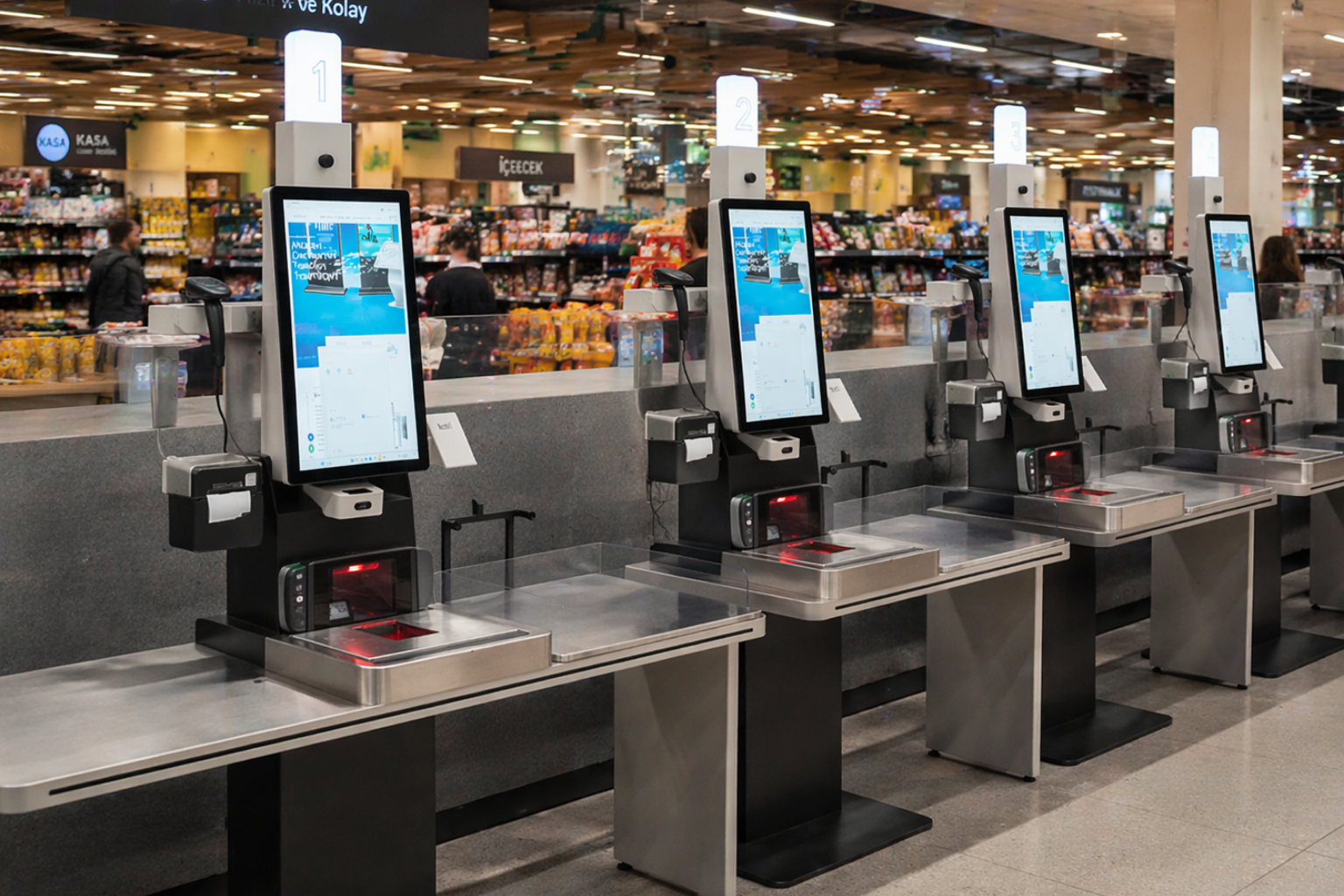
Mardin Model Self Checkout allows customers to scan their items and complete payments quickly. It eliminates checkout congestion and speeds up the shopping process.
When choosing a self-checkout kiosk, plan the product scanning, payment, and receipt processes together. Evaluate the barcode reader, printer, and payment hardware in conjunction with the existing POS software. Share your store layout, peripherals to be used, and user support needs during the proposal phase.



1080 x 1920
550 cd/m²
7/24 50.000 Hour
Key Features
24/7 Industrial Grade Displays
Sleek Design
Made in Türkiye
Customizable
Compatible with Android and Windows.
General Overview
Fast and Independent Payment Process
Customers scan their products themselves and complete the payment process. Waiting time is minimized, and the shopping process is faster.
✔ Self-service operation
✔ Significantly reduced waiting times
✔ Faster customer turnover
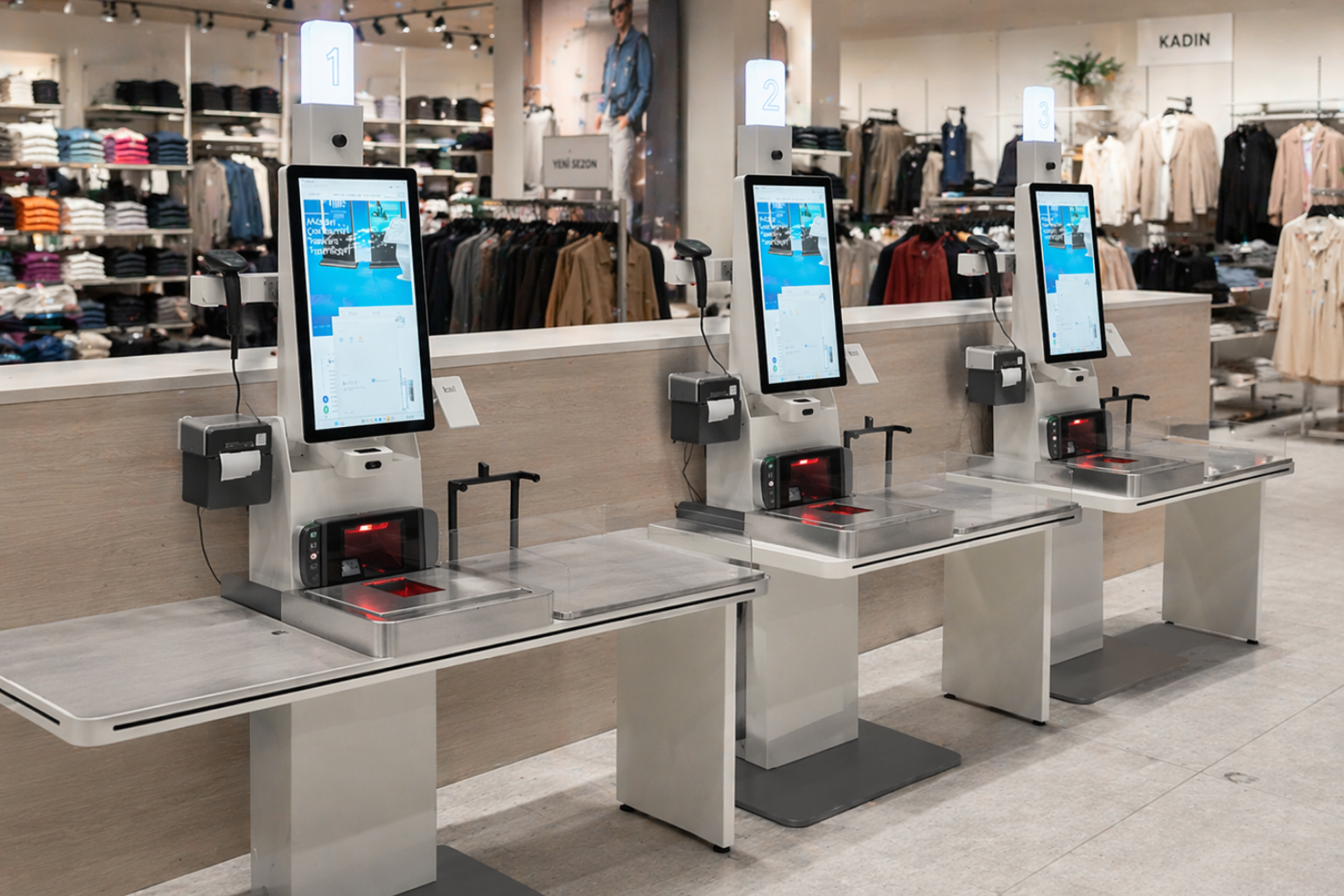
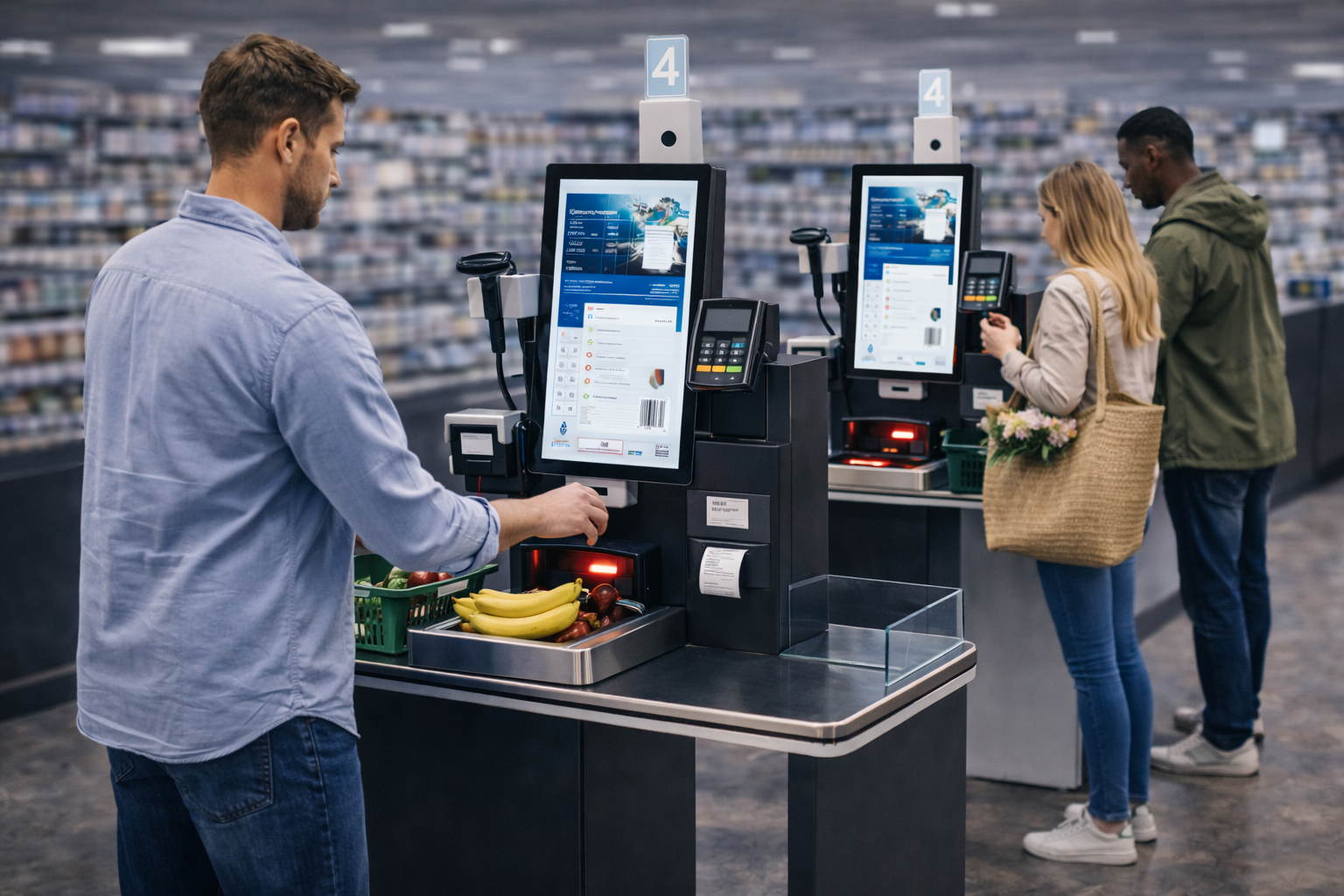
Integrated Reading and Payment System
The barcode reader, payment system, and receipt structure are all integrated into a single station. The entire process runs smoothly.
✔ Barcode scanning system
✔ Card and contactless payment
✔ Receipt printing support
Optimized for Market and Retail Use
The Mardin Model is designed specifically for busy supermarkets and retail stores. It offers a robust alternative to the classic cash register structure.
✔ Market and retail compatible design
✔ Uninterrupted operation during peak hours
✔ Ideal for multi-station setups
Space-Efficient Design
Thanks to its compact design, it takes up minimal space within the store. It integrates easily into existing cash register areas.
✔ Space-saving design
✔ Easy placement
✔ Compatible with modern store designs
Reduce Operational Burden
It reduces staff dependency and digitizes cash register processes. It increases your business efficiency.
✔ Fewer cashier staff required
✔ Lower operating costs
✔ More efficient store management
Technical Specifications
Panel
Panel Size | Resolution | Brightness (Typ.) | Contrast | Viewing Angle (H x V) | Response Angle (G-to-G) | Active Display Area (mm) |
|---|---|---|---|---|---|---|
23.8" | 1080 x 1920 | 550 cd/m² | 1000:1 (Typ.) (TM) | 178° x 178° | 14 ms (G to G) | 527.04 (H) x 296.46 (V) |
Touch Screen
Touch Technology | Touch Points | Glass Hardness |
|---|---|---|
Projected Capacitive | 10 points Multi-touch | 6H (min.) |
Internal Player (Optional)
CPU | RAM | HDD | OS | I/O |
|---|---|---|---|---|
Quad Core | 4GB | 32GB | Android 11 | HDMI, USB, ETHERNET, WiFi |
Power
Power Requirement | Power Consumption (Avg.) | Standby Mode |
|---|---|---|
AC 100 - 240 V~ (+/- 10 %) 50/60 Hz | 35W | <0,5W |
Operations
Operation Life | Working Conditions | Humidity |
|---|---|---|
7/24 - 50.000 hours | Operation Temp. : 0~ 50 °C | Storage Temp. : - 20~60 °C | 10 ~ 80% |
Accessories
Audio (optional) | Thermal Printer | 1D/2D Barcode Reader | Scale |
|---|---|---|---|
8Ω, 5W x 2 | 80mm | 640x480p, 30times/sec | Standard |
Optional
Floor Stand & Logo & Brand Color Customization |
|---|
OTHER (Included in Package)
Easy Installation Guide, Warranty Document, Power Cable |
|---|
Frequently asked questions
What are the standout technical specifications for Self Checkout Mardin 23.8?
The technical specifications for this model include: Screen size: 23.8″; Resolution: 1080 x 1920; Brightness: 550 cd/m². When ordering, specify both the model code and the selected screen size; values may vary for different options within the same series. Address product scanning, cart viewing, payment, and receipt processing together. Share the name and version of the POS software used, barcode types, and necessary peripherals. It’s important that components like readers and printers fit physically and are supported by the software. Erroneous scans, cancellations, and situations requiring staff assistance should be evaluated in the setup flow. Clarify the scope of payment equipment and software integration before ordering by matching the hardware selection to the actual store scenario.
Can the self checkout kiosk be used with the existing cash register system?
Compatibility depends on the POS software and selected peripherals. The software name, version, barcode reader, and payment provider information should be checked to ensure the scope of integration. Evaluate hardware, software, and installation items separately in the proposal. Consider product scanning, cart viewing, payment, and receipt processing together. Share the name and version of the POS software used, barcode types, and required peripherals. It’s important that components like readers and printers fit physically and are supported by the software. Situations involving incorrect scans, cancellations, and requiring staff assistance should be evaluated in the installation flow. Clarify the scope of payment equipment and software integration before ordering by matching the hardware selection to the actual store scenario.
What information is needed for a price quote?
Please specify the model you are interested in, the quantity required, and the installation location. Also indicate any necessary accessories, including mounting, content playback or management software, so that we can compare the hardware and service options to suit your needs. Evaluate the dimensions not only based on the screen diagonal but also on the available space. Intended use, daily operating hours, indoor or outdoor environment information, and planned delivery location can be added to your request for a quote. If there are multiple locations, specifying the quantities and different requirements separately will facilitate model comparison. If you require a connection or function not listed in the technical specifications, clearly state this in your request. This will allow us to create a quote that includes comparable items to meet your needs, rather than just a single screen price.
How do I choose the content resolution for Self Checkout Mardin 23.8?
The resolution specified in this model’s technical specifications is 1080 x 1920. Prepare the content’s pixel size and aspect ratio according to this value; use appropriate placement instead of stretching images with different aspect ratios. Check with sample content that text, prices, and logos are readable within the viewing distance. Also, match the video output settings of your computer or media player to the screen’s technical specifications.
What do I need to verify for the kiosk peripherals?
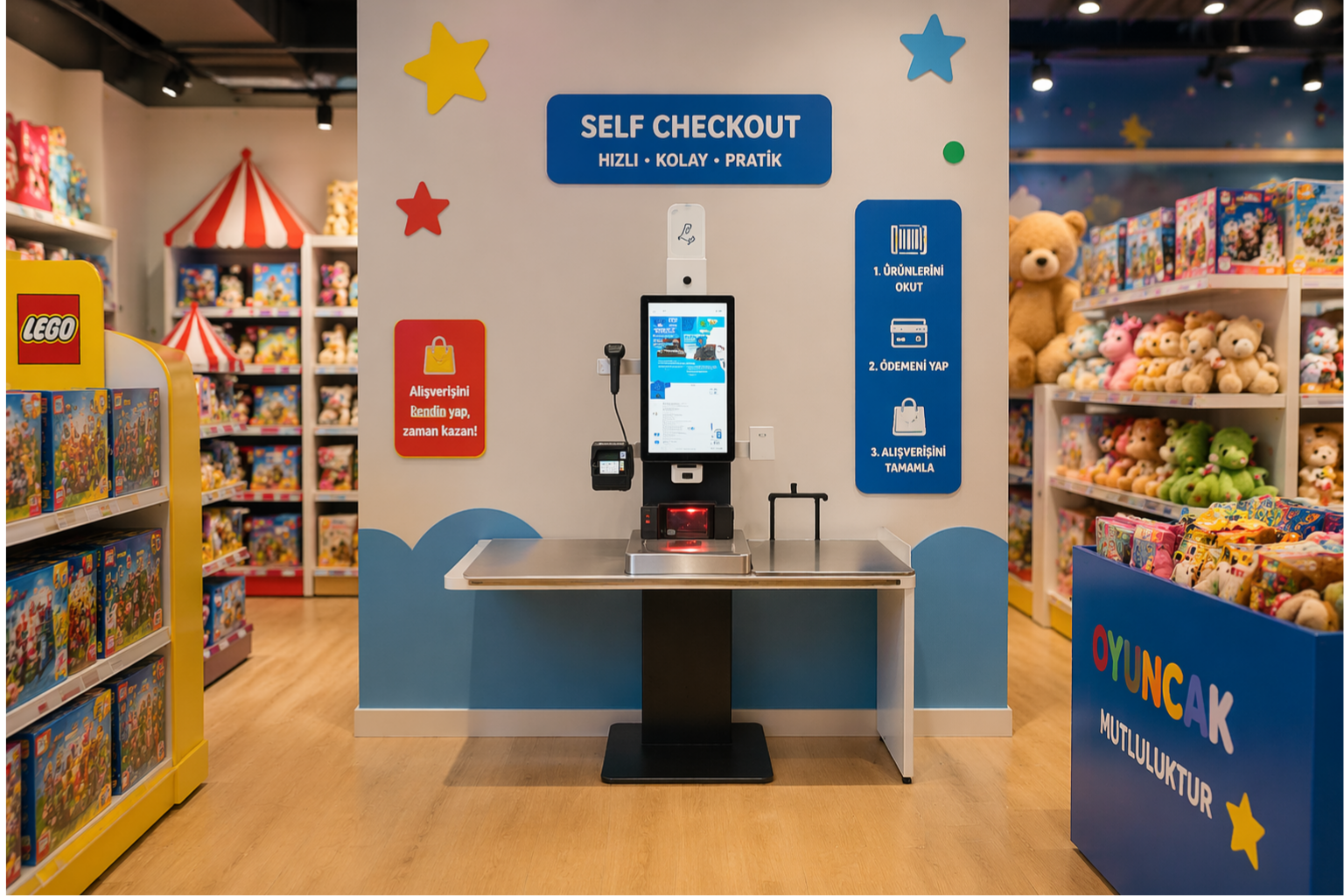
List the printer, reader, computer, or payment terminal to be used in the transaction workflow separately. Each component’s physical location, connection, power requirements, and application support must be checked. The presence of a device in the image does not mean it is standard in all configurations. Clarify which hardware will be supplied and which integrations are required by including the model code and selected components in the offer.
Which functions should be tested when the kiosk is received?
Test the display, touch screen, network connectivity, and peripherals (if any) in the selected configuration with the application. Verify that the user can initiate and complete basic operations, and that cancel and help steps work. Evaluate cable access and maintenance points with the installation team. This checklist is not a hardware specification or service commitment; the scope of delivery and installation is determined by the quotation.
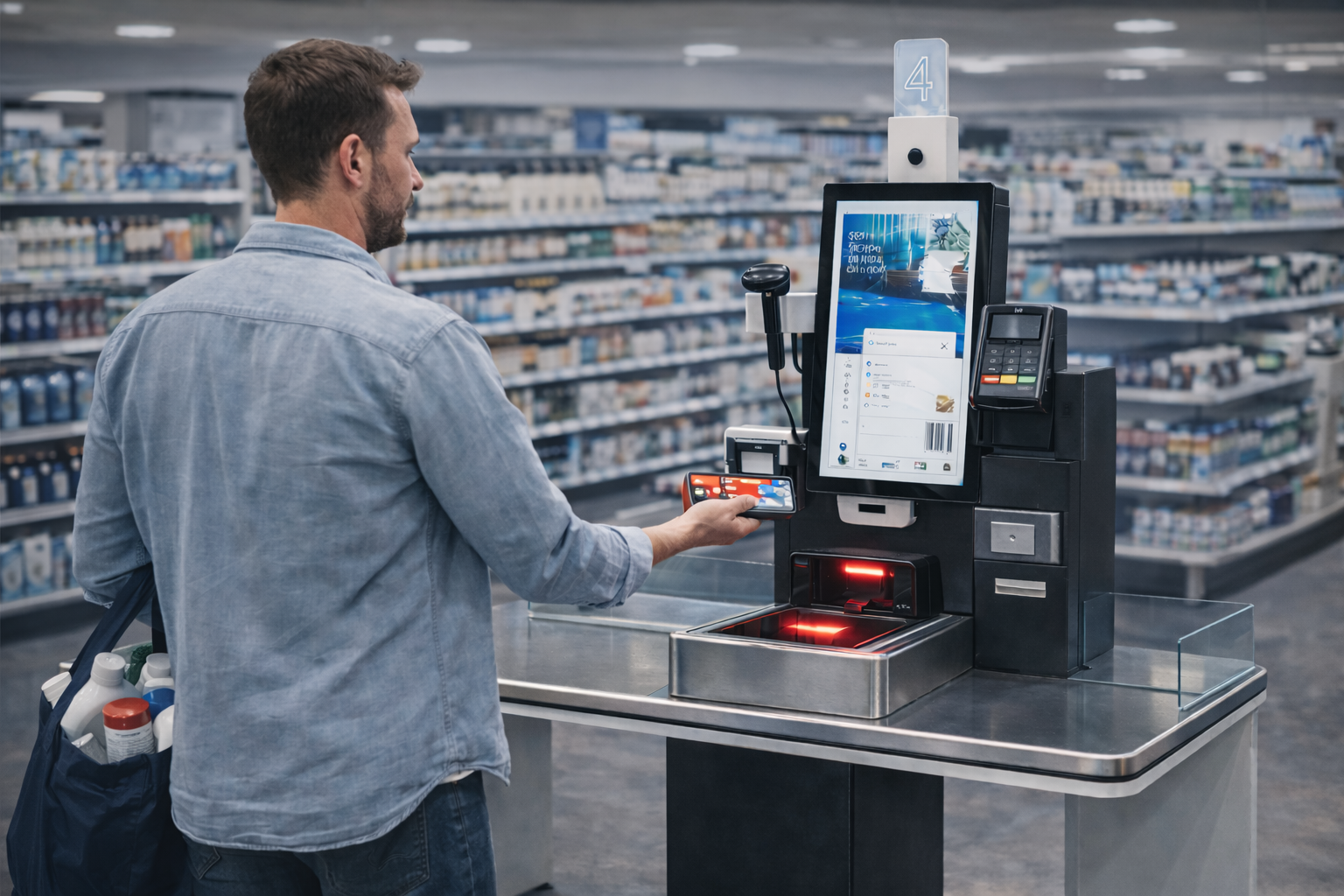
Application Images








Reviews
There are no reviews yet.